01 · AI & Automation
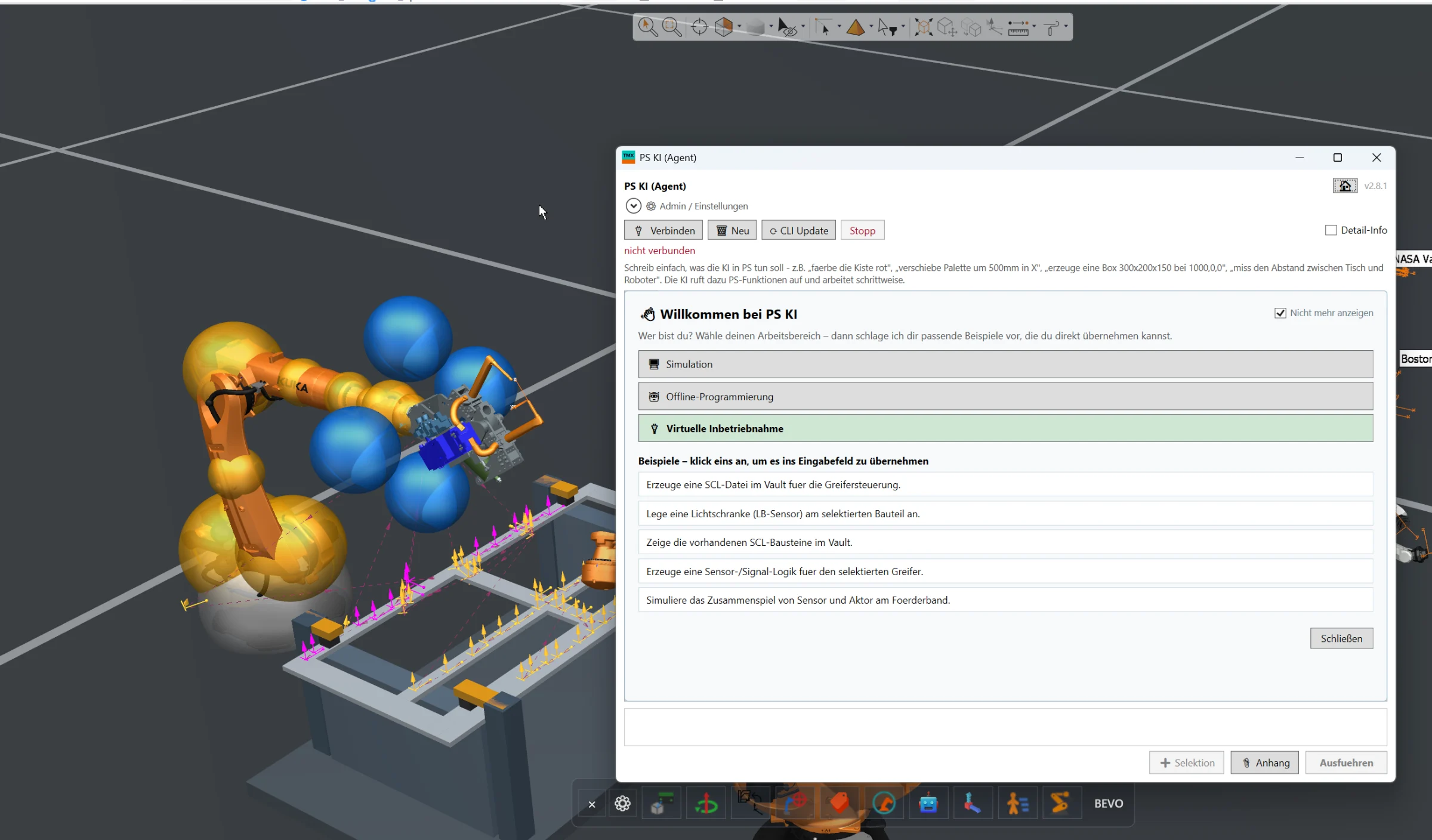
AI Assistant
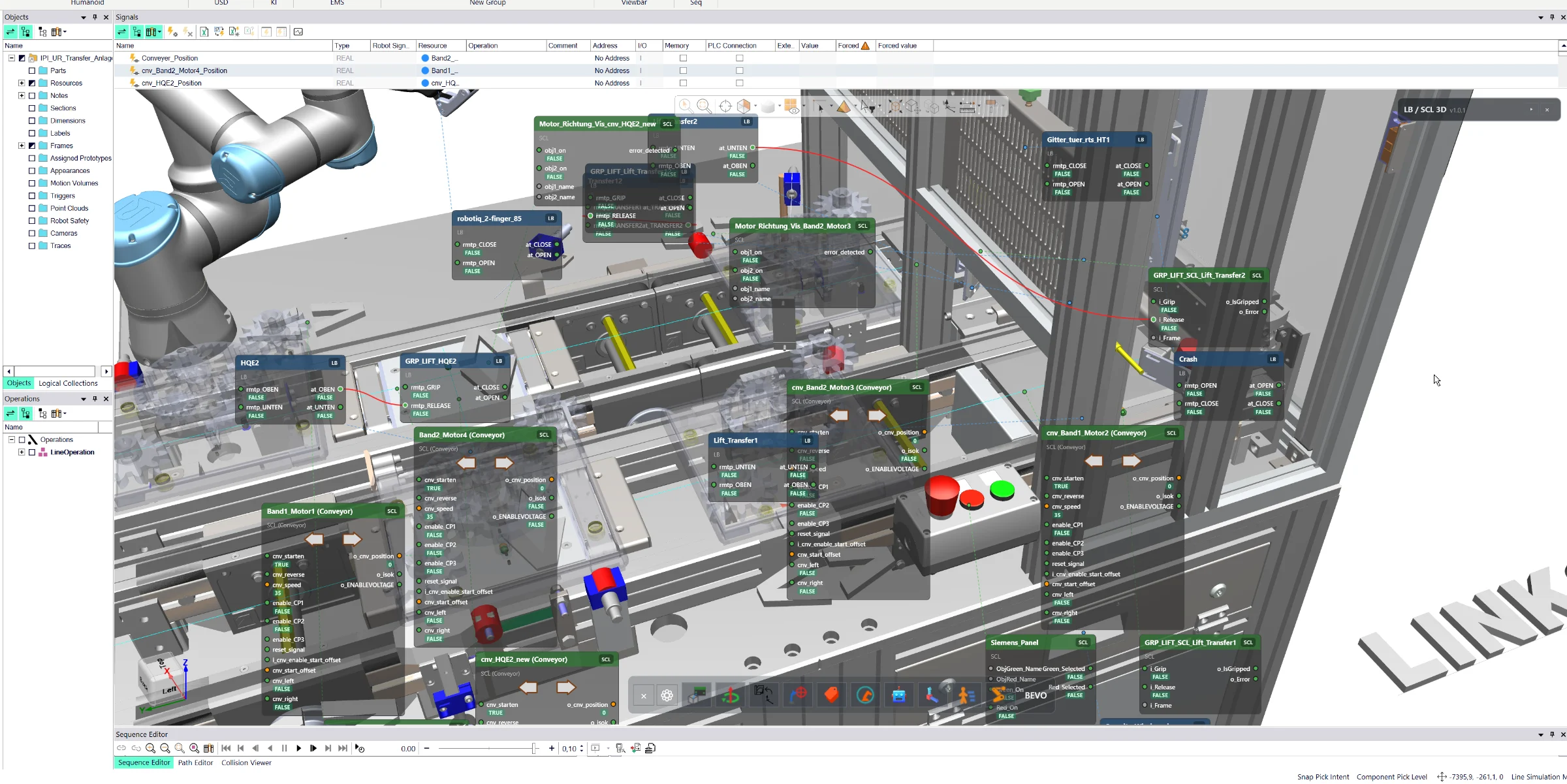
Full AI integration directly inside Siemens Process Simulate for engineering automation, simulation assistance, offline programming and virtual commissioning workflows.
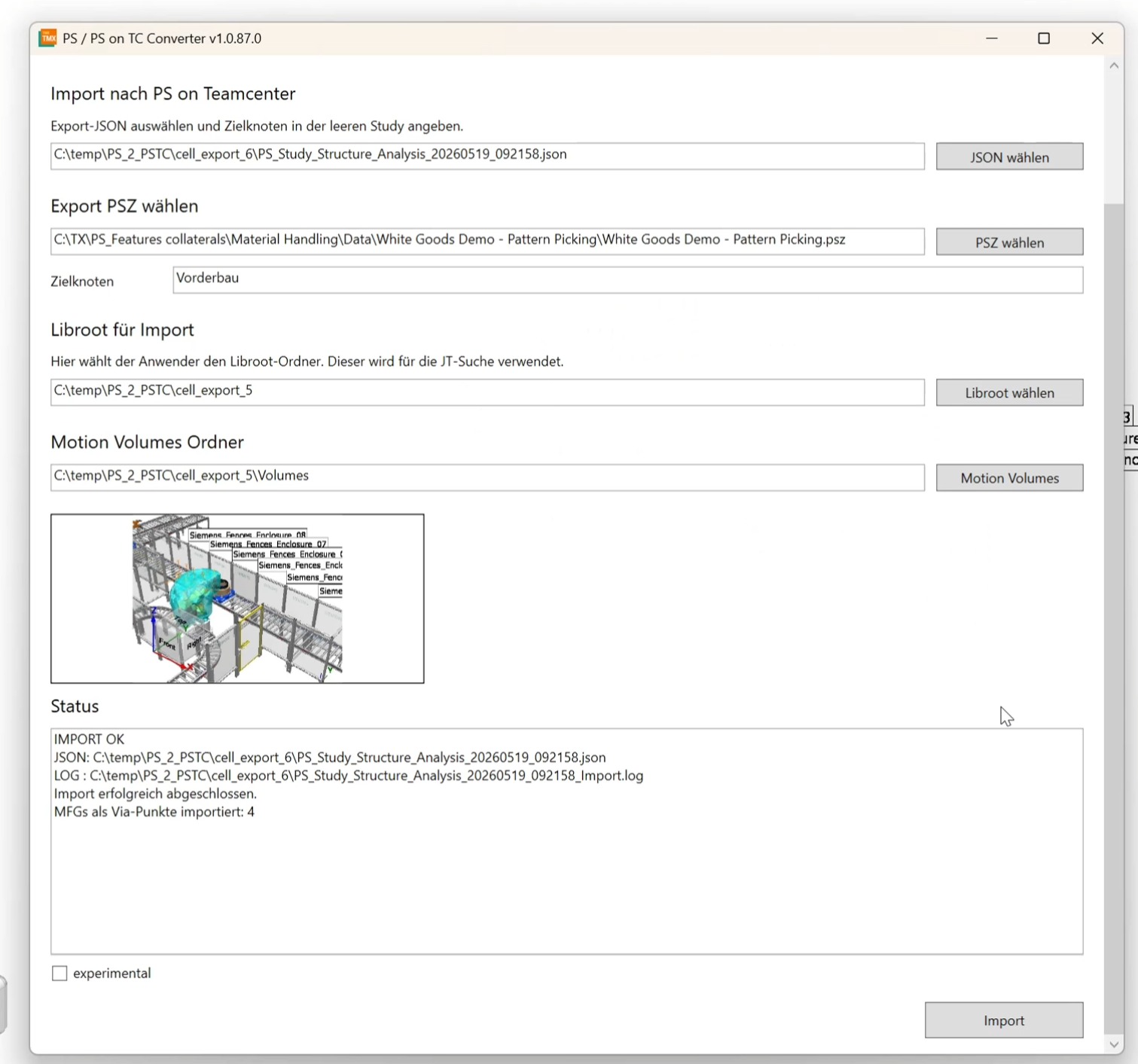
Automated conversion of existing Process Simulate Standalone, PSZ and EMS cell structures into Process Simulate in Teamcenter, including geometry, kinematics, robot paths, motion volumes, classes and object types.
The PSZ / EMS Cell Conversion to Teamcenter add-on provides an automated workflow for migrating existing Siemens Process Simulate cells into a Process Simulate in Teamcenter environment.
The tool is designed for customers who already have large numbers of existing Process Simulate Standalone, PSZ or EMS-based simulation cells and want to transfer these projects into a Teamcenter-managed engineering environment without manually rebuilding the complete cell.
The user opens the existing Process Simulate cell and starts the conversion workflow directly from Process Simulate. The tool analyzes the existing structure and prepares the content for the target Teamcenter environment.
During conversion, relevant Process Simulate objects can automatically be mapped to the required Teamcenter classes, object types and structures.
The mapping can be based on predefined customer rules, while still allowing the user to manually adjust assignments where required.
The conversion can include:
- Complete cell structures
- Components and geometry
- Kinematic models
- Robots and robot configurations
- Robot operations and paths
- Motion volumes
- Simulation-related objects
- Object classes and types
- Project-specific engineering data
For component handling, the workflow can either transfer existing legacy components into Teamcenter or merge them with already existing Teamcenter components.
This makes it possible to reuse existing managed engineering data instead of creating duplicate components.
After the conversion, the resulting Process Simulate cell can be transferred and updated within the Teamcenter database and used as a regular Process Simulate in Teamcenter project.
Typical use cases include:
- Migration from Process Simulate Standalone to Process Simulate in Teamcenter
- Conversion of existing EMS-based simulation projects
- Reuse of legacy robot simulation cells
- Migration of complete production cells into a managed Teamcenter environment
- Harmonization of legacy object classes and Teamcenter object types
- Reuse and merging of existing Teamcenter components
- Modernization of historical Process Simulate project databases
The main benefit is the significant reduction of manual migration effort.
Instead of rebuilding existing simulation cells inside Teamcenter, complete legacy Process Simulate projects can be converted into a Teamcenter-compatible structure while preserving relevant engineering information such as kinematics, robot paths, motion volumes and simulation content.
The exact mapping rules, object classes, Teamcenter types, merge logic and migration process can be adapted to the customer's Teamcenter data model and engineering standards.
Full AI integration directly inside Siemens Process Simulate for engineering automation, simulation assistance, offline programming and virtual commissioning workflows.
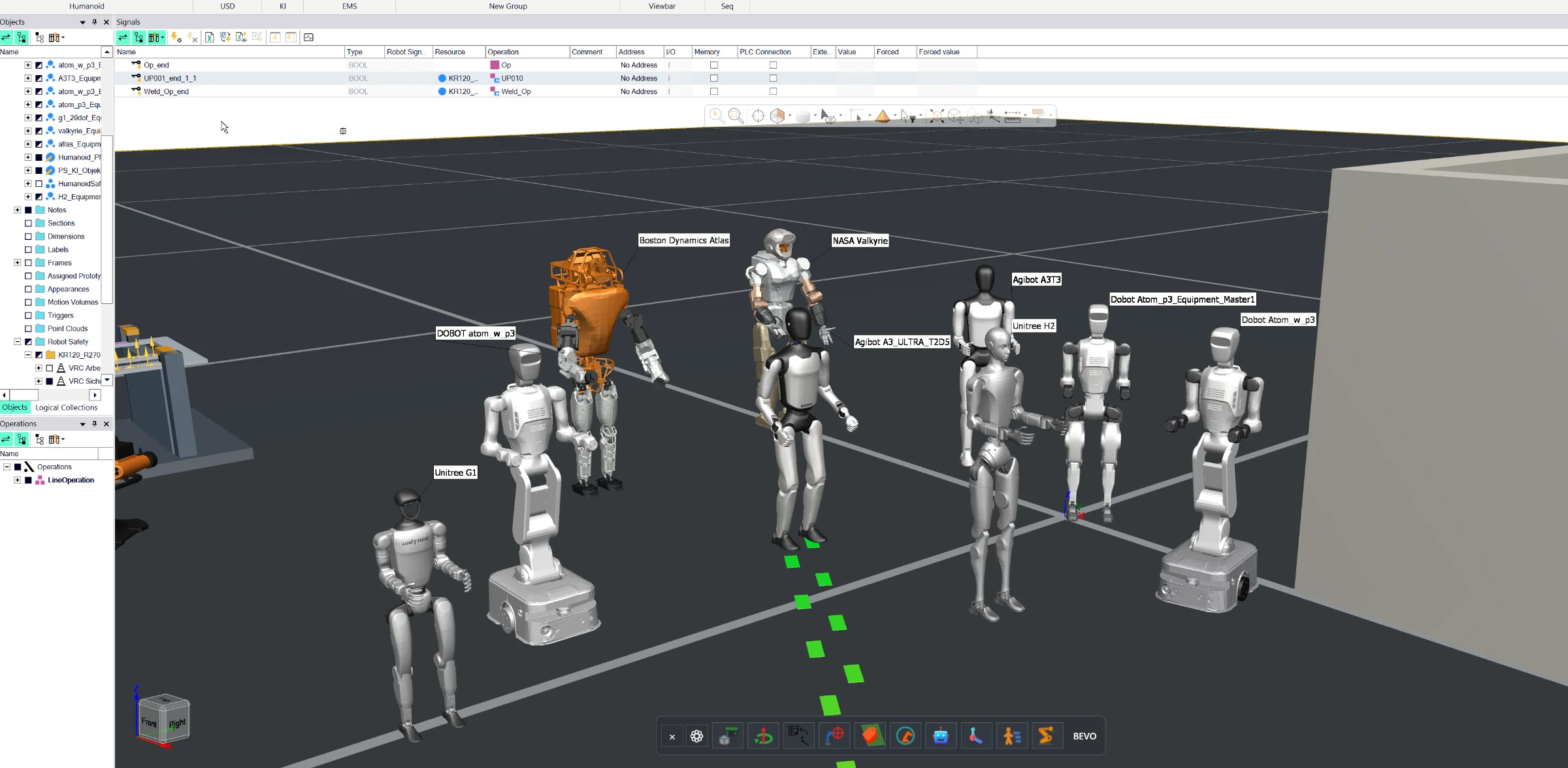
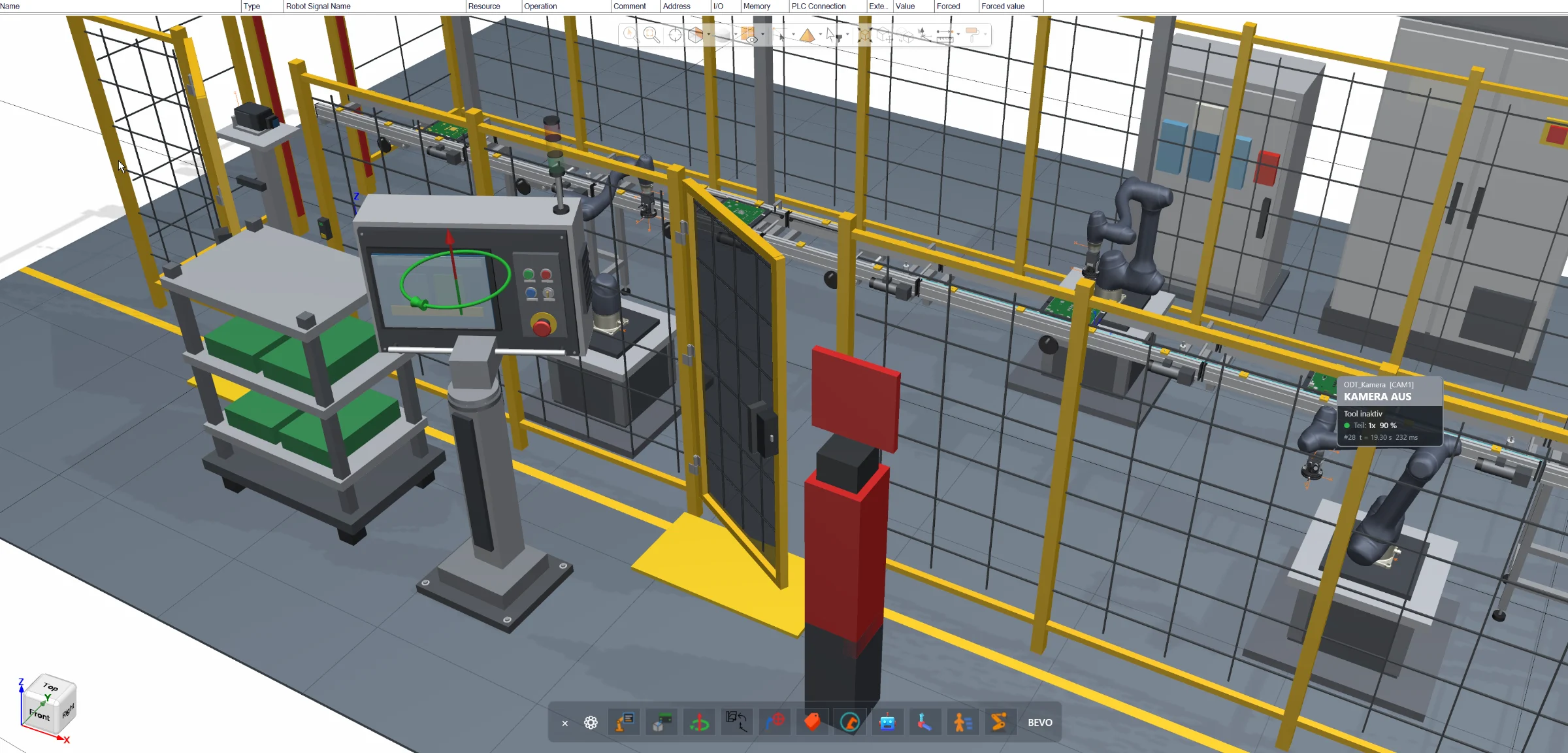
Complete humanoid engineering workflow for Siemens Process Simulate, including URDF import, walk-path definition, task-oriented programming, reachability analysis, collision-free motion planning and NVIDIA HALOS-based safety validation concepts.
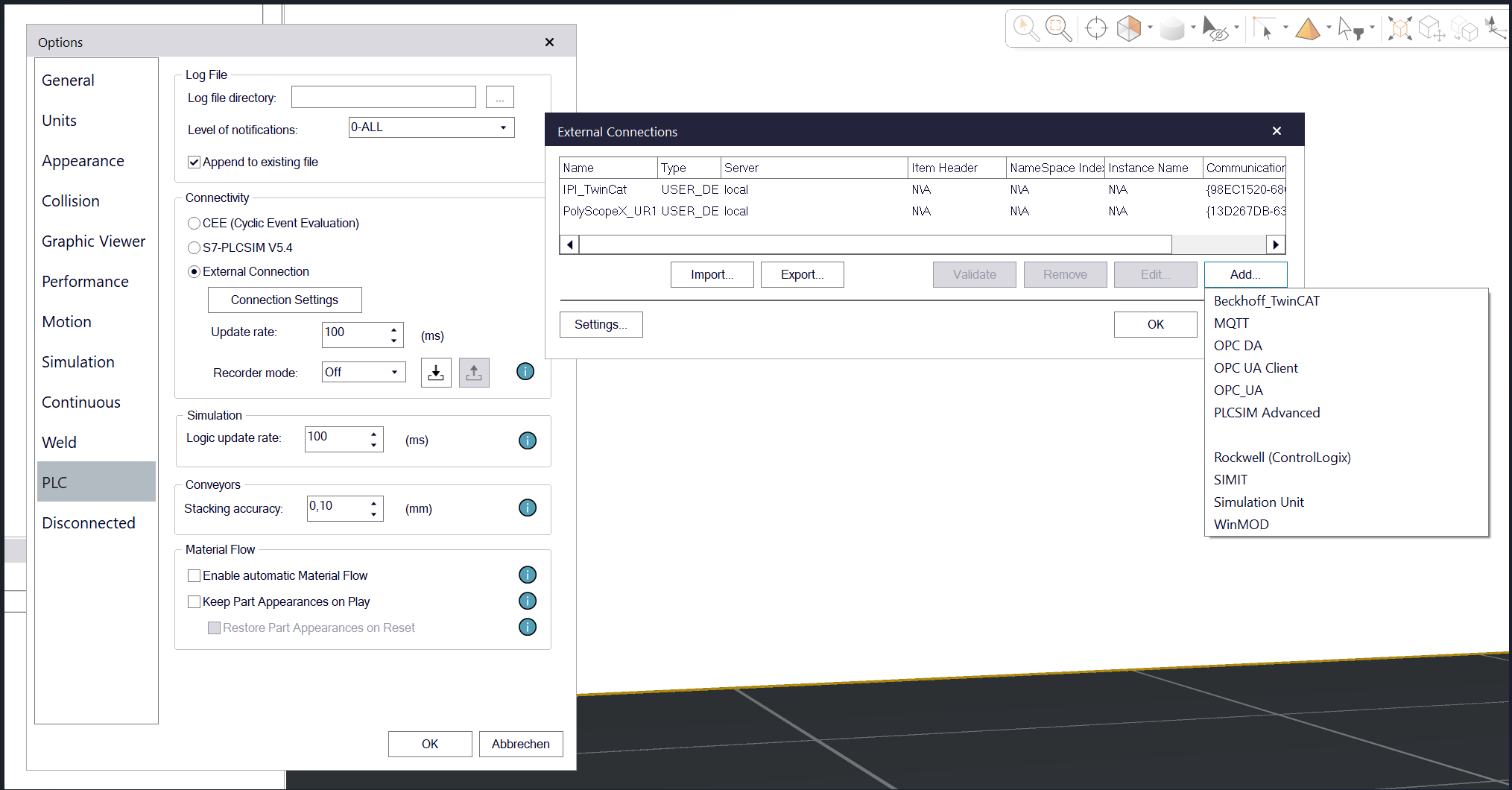
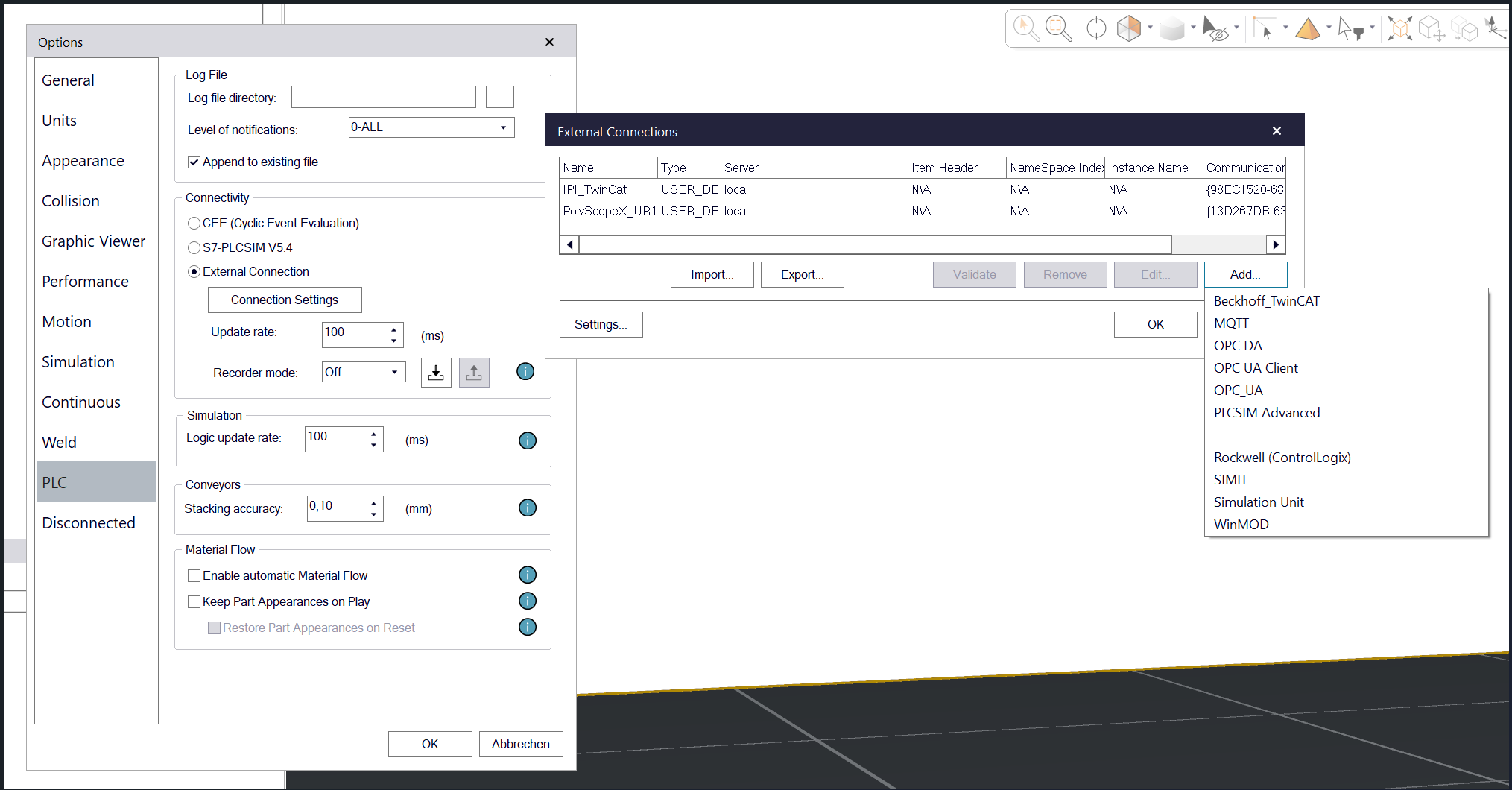
MQTT connectivity directly inside Siemens Process Simulate for exchanging simulation data, machine states, events and project information with external systems and applications.