01 · AI & Automation
AI Assistant
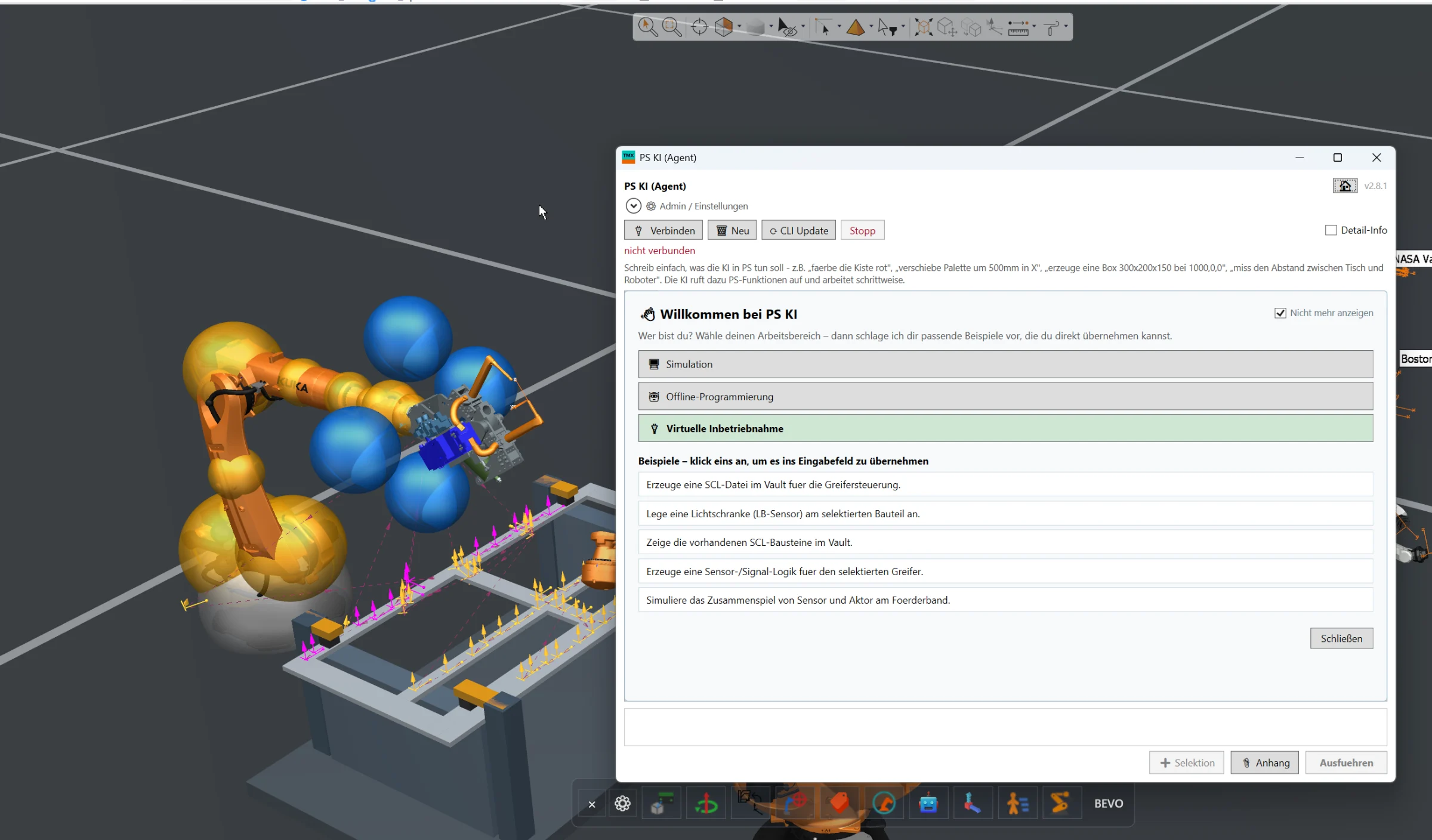
Full AI integration directly inside Siemens Process Simulate for engineering automation, simulation assistance, offline programming and virtual commissioning workflows.
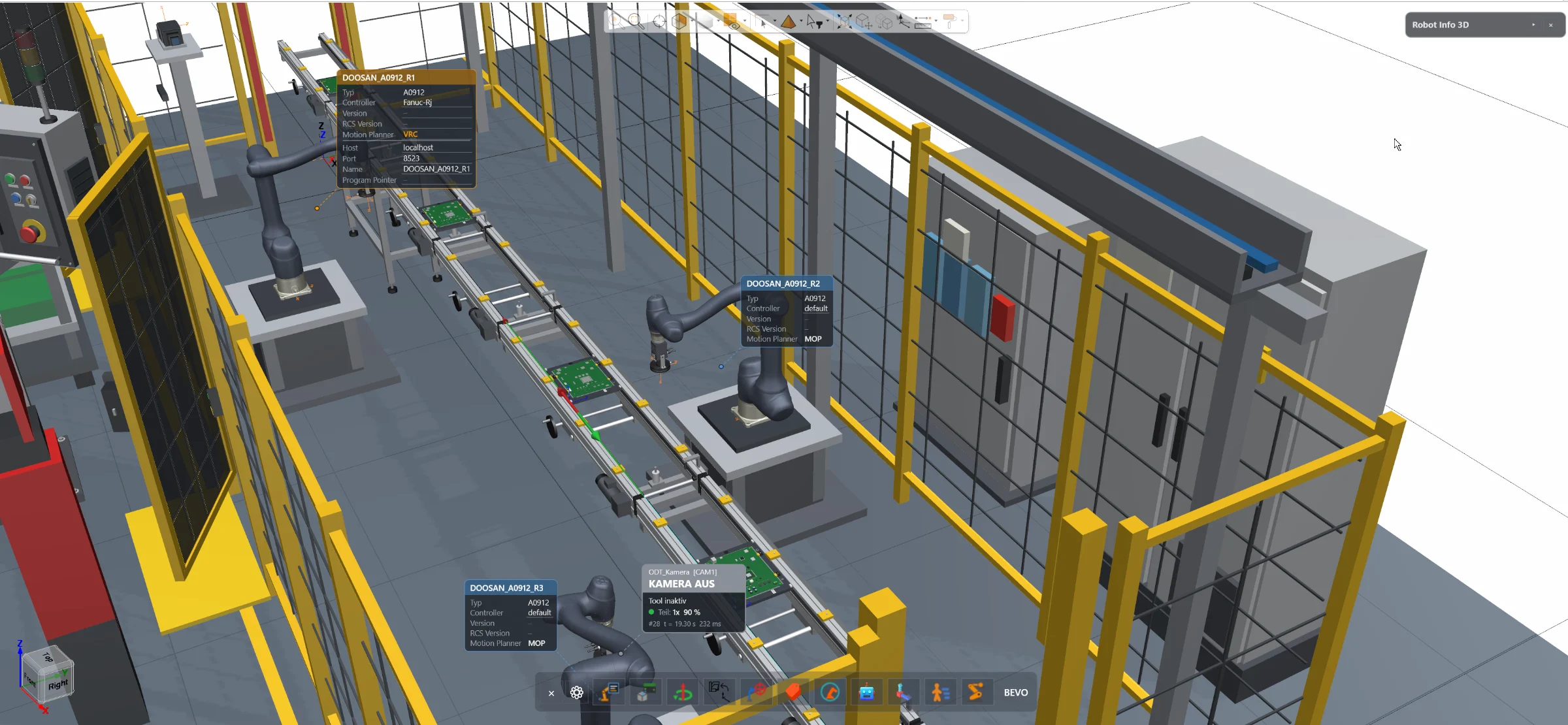
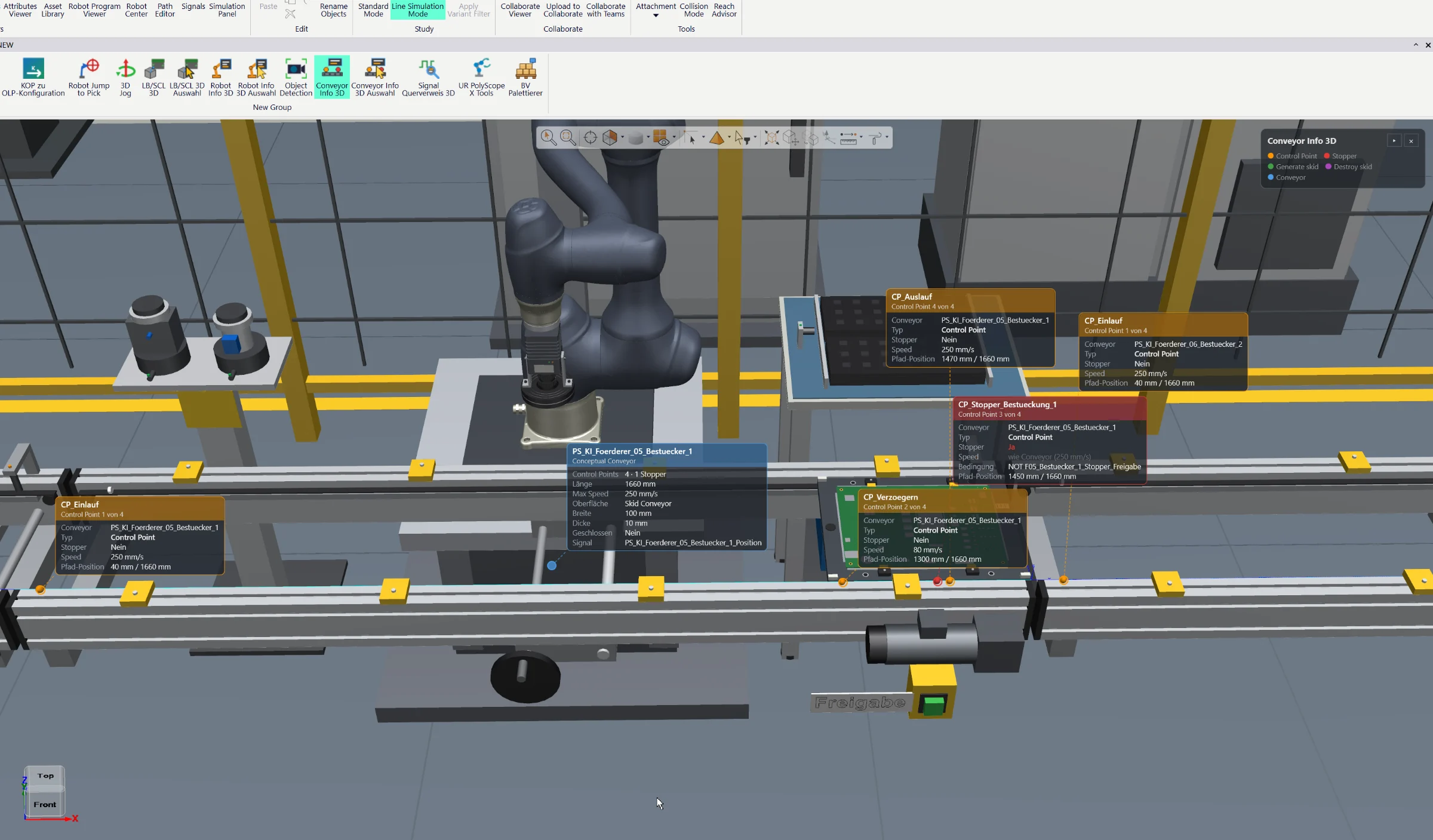
Access essential robot information and configuration directly inside the Siemens Process Simulate 3D environment — without opening the separate Robot Center window.
The 3D Robot Center add-on brings essential Robot Center functionality directly into the Siemens Process Simulate 3D environment.
Instead of opening an additional Robot Center window and switching between different dialogs, the engineer simply selects a robot inside the 3D scene.
Relevant robot information is immediately available directly in the working environment.
Depending on the robot and project configuration, the 3D Robot Center can display information such as:
- Selected robot type
- Active motion planning configuration
- Active robot controller / simulation module
- Available robot-specific configurations
- Current simulation-related robot settings
Supported settings can also be changed directly from the 3D environment without leaving the current engineering context.
This creates a faster and more intuitive workflow when working with multiple robots, robot types or different simulation configurations.
The add-on is especially useful during simulation setup, robot validation, motion planning configuration and general offline programming workflows.
By keeping important robot information and configuration options directly inside the 3D environment, unnecessary window switching is reduced and the engineer maintains full visual context of the selected robot.
The displayed information, available controls and supported robot configurations can be adapted to the customer's Process Simulate environment and engineering workflow.
Full AI integration directly inside Siemens Process Simulate for engineering automation, simulation assistance, offline programming and virtual commissioning workflows.
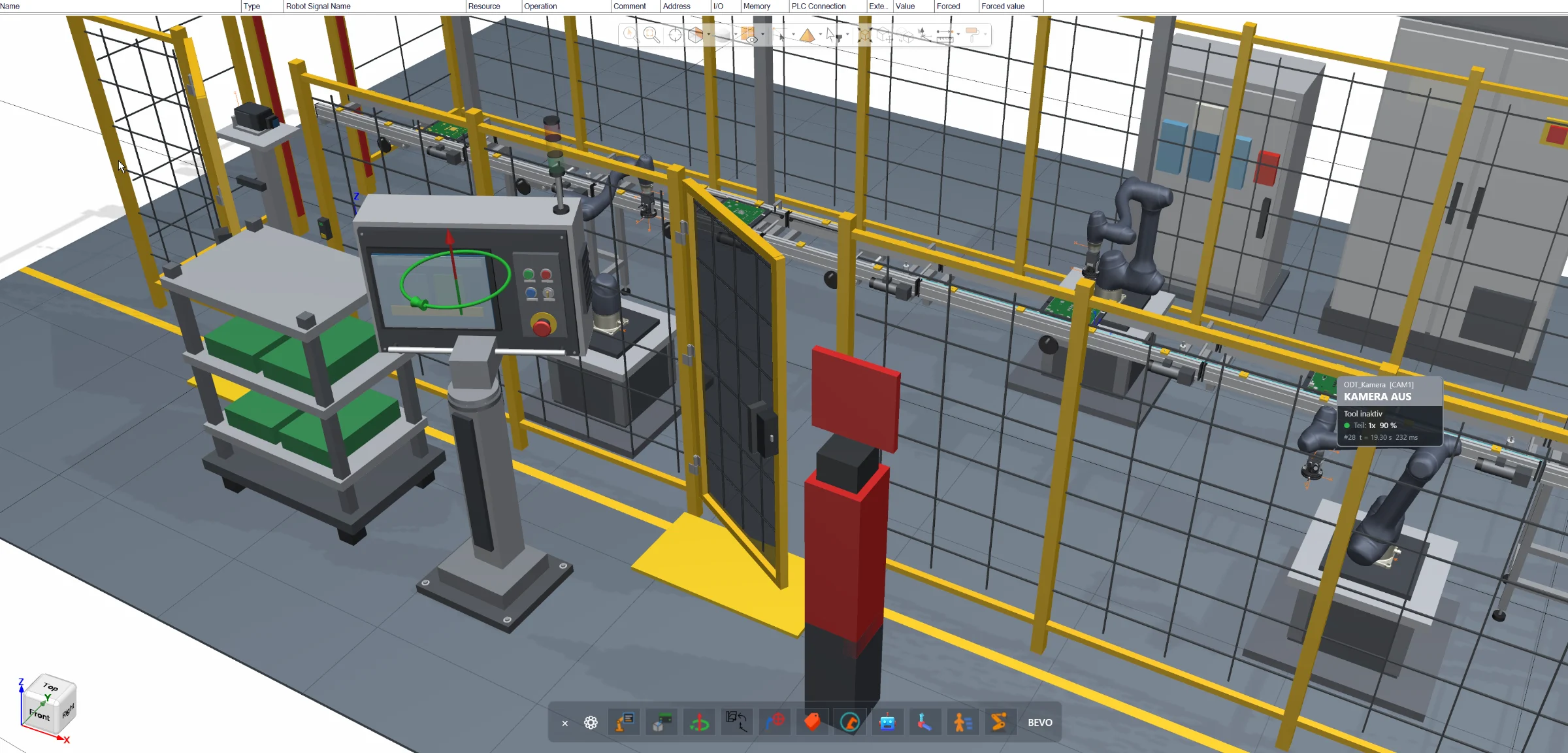
Direct joint manipulation inside the Siemens Process Simulate 3D environment for robots, resources and conveyors — without opening additional joint control windows.
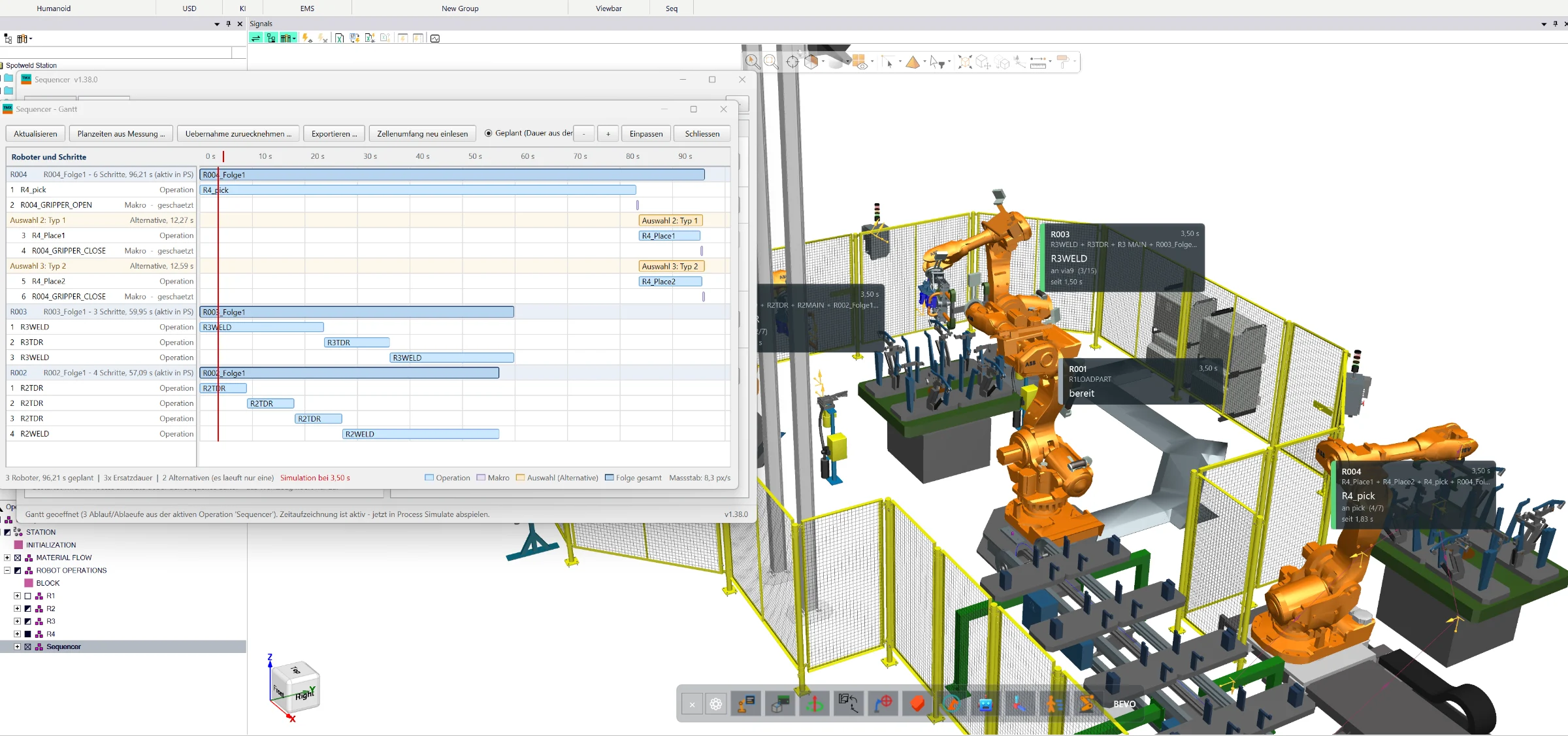
Create, simulate and optimize complete manufacturing sequences directly in Siemens Process Simulate Standard Mode — with wizard-based program generation, collision analysis, robot interlocks, 3D visualization and Gantt-based cycle-time optimization.