01 · AI & Automation
AI Assistant
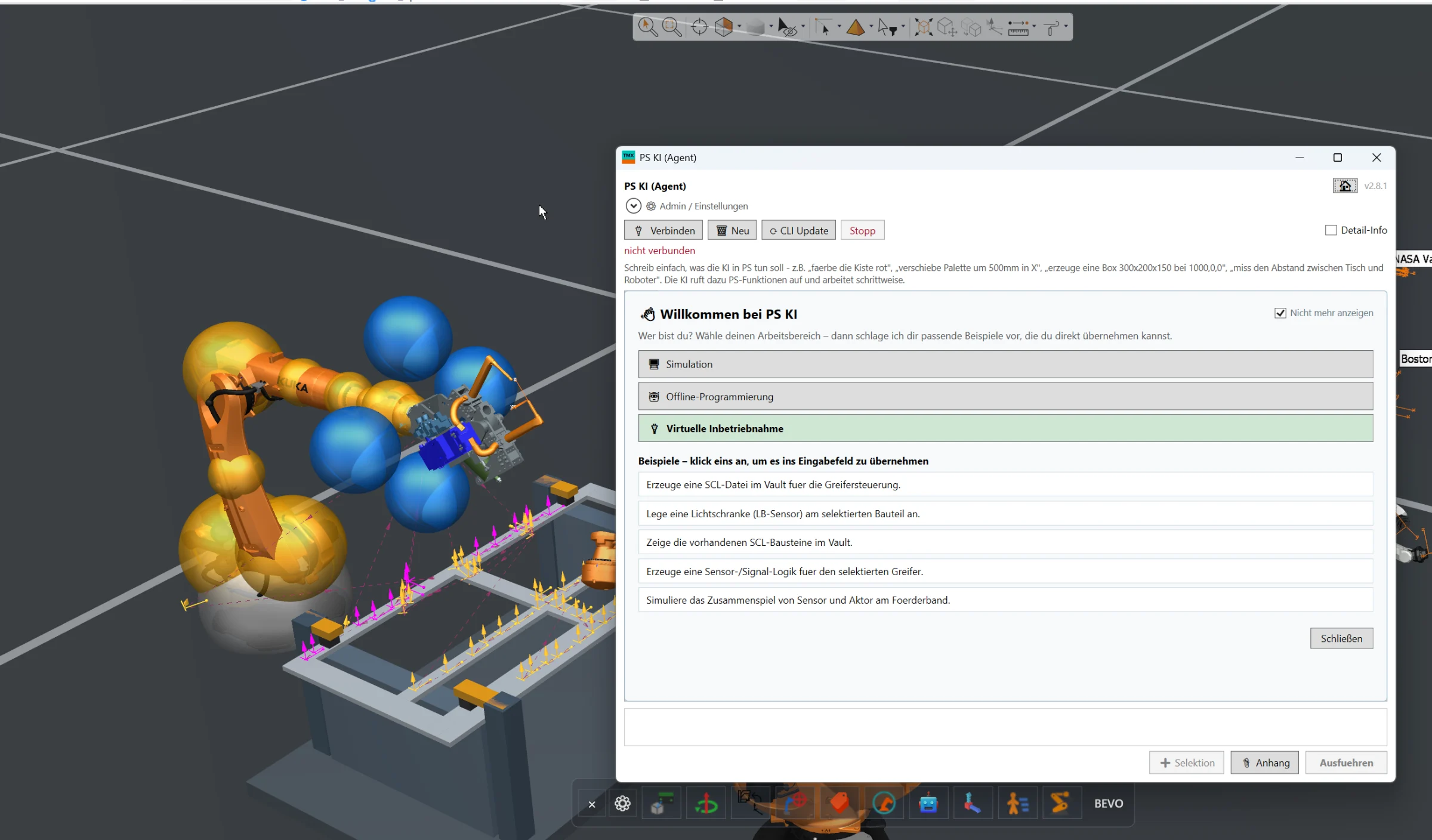
Full AI integration directly inside Siemens Process Simulate for engineering automation, simulation assistance, offline programming and virtual commissioning workflows.
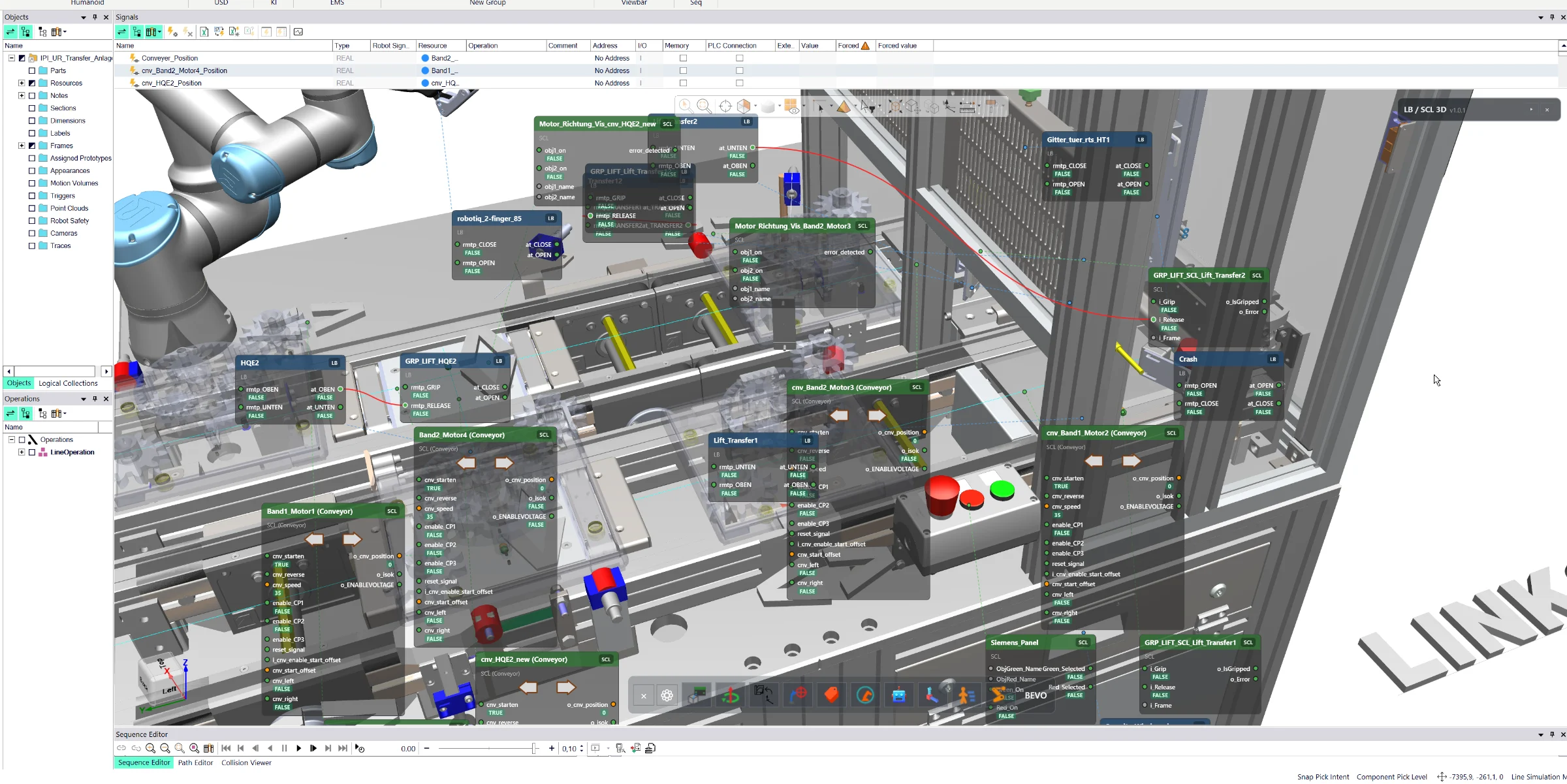
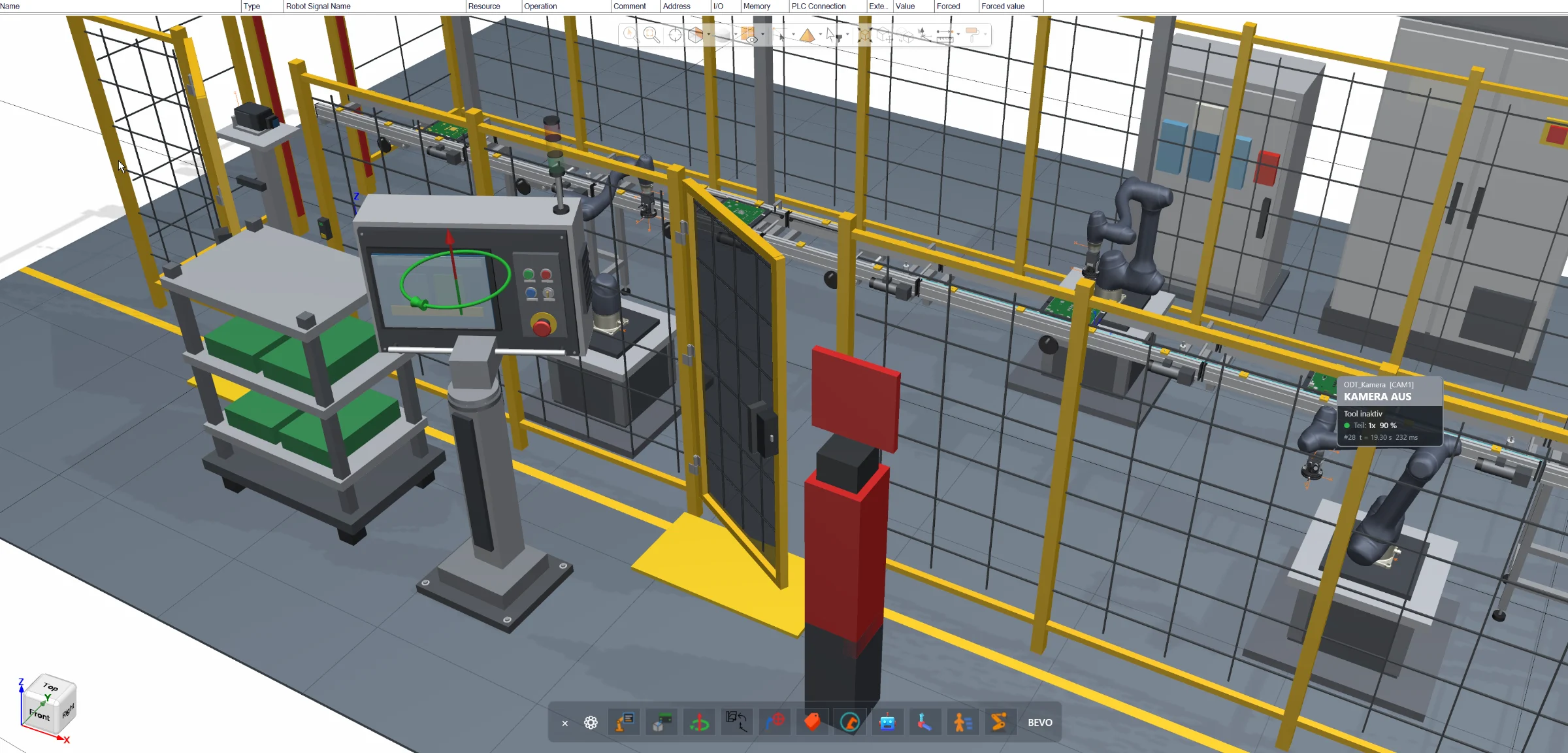
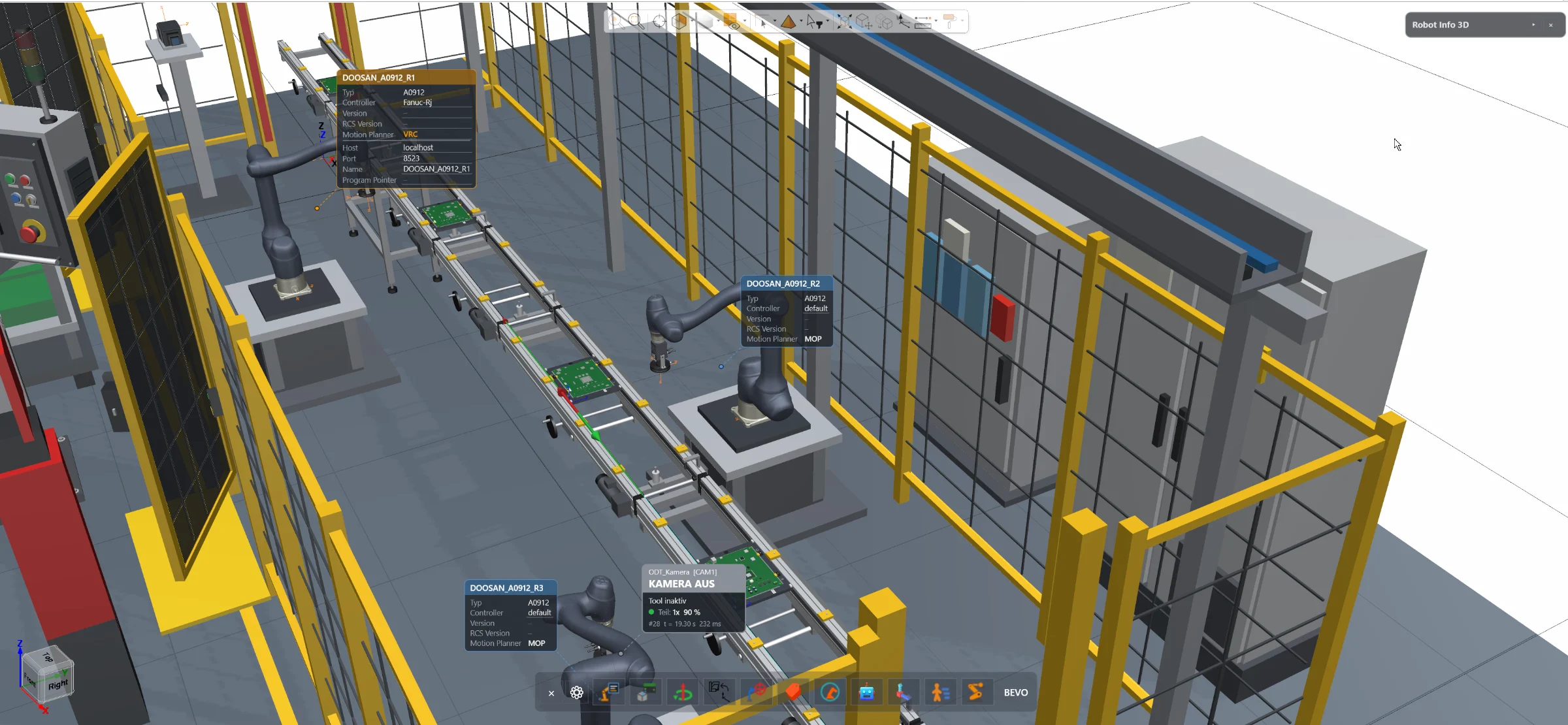
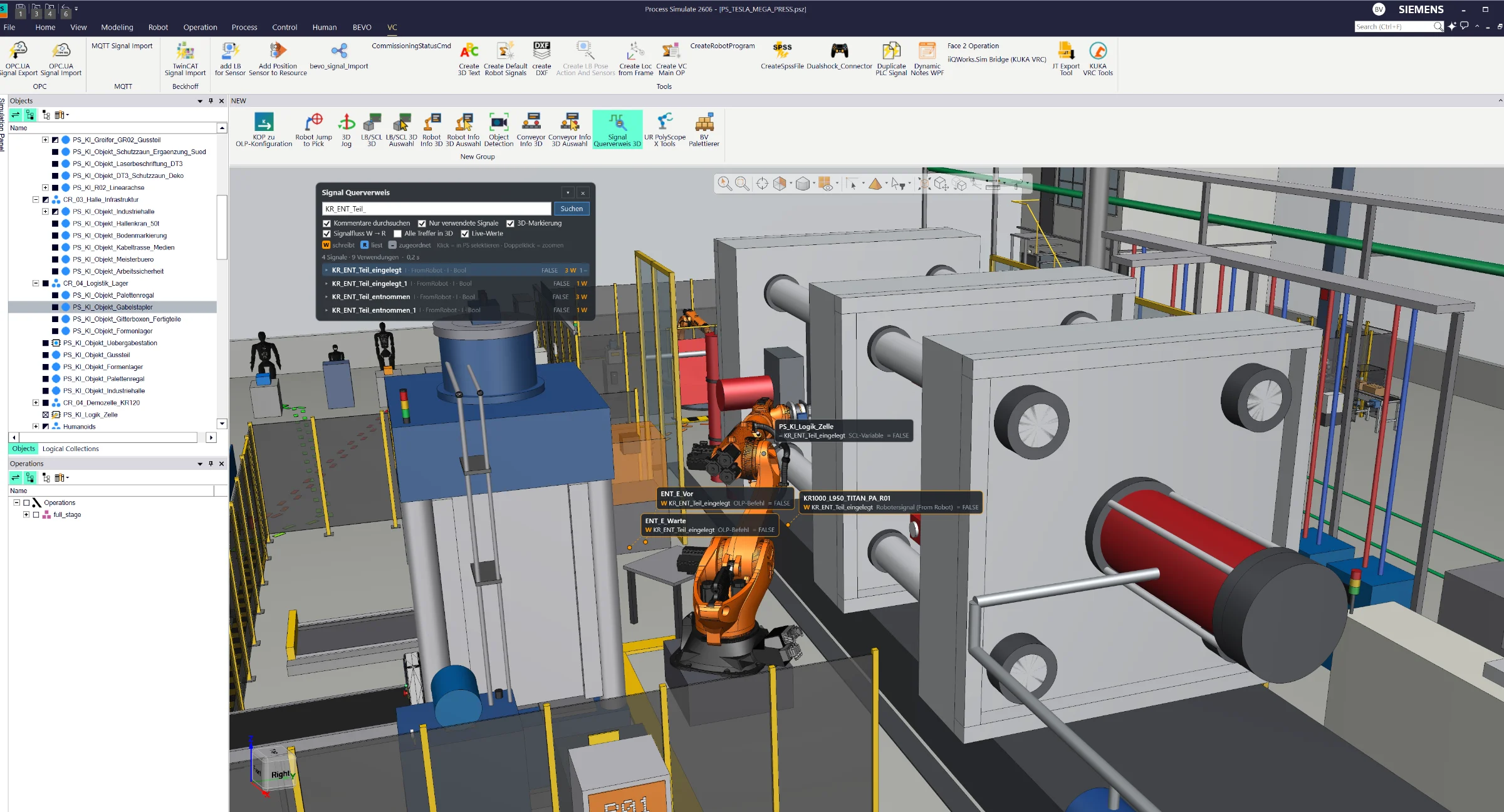
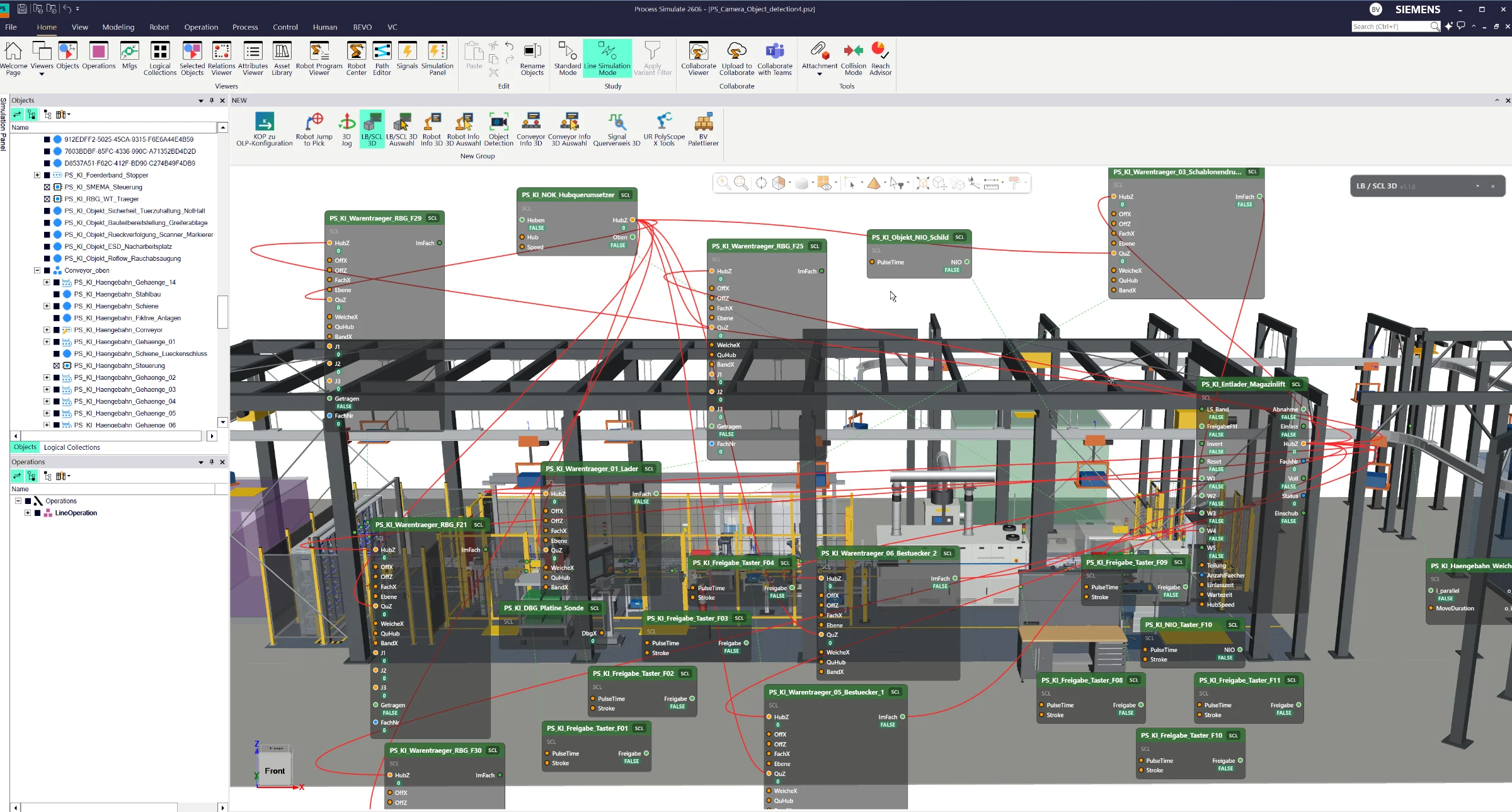
Visualize logic blocks, SCL blocks, signals and their connections directly in the Siemens Process Simulate 3D Viewer. Trace logical relationships through 3D connection lines and monitor live signal states, color-coded connections and conveyor directions in Line Simulation Mode.
**Make Your Automation Logic Visible – Directly in 3D.**
Transform the way you analyze and understand automation logic in Siemens Process Simulate.
The 3D Viewer Logic & SCL Visualization extension brings logic blocks, SCL blocks, signals and their interconnections directly into the graphical simulation environment.
With a single activation, engineers can display the logical structure of their Process Simulate cell, including block inputs, outputs, signal assignments and connections between different logic elements.
Instead of manually tracing connections through signal tables and configuration dialogs, the tool visualizes logical relationships using 3D connection lines, making it easy to identify how signals flow between blocks and which components are connected.
In Line Simulation Mode, the visualization becomes dynamic. Live signal states are displayed through color-coded connections, allowing engineers to immediately recognize active and inactive signals.
For conveyor-related SCL blocks, the visualization additionally indicates the current movement or rotation direction, providing direct visual feedback during simulation.
**See the Logic. Follow the Signals. Understand the Simulation.**
From complex signal networks to conveyor control logic, this extension turns invisible automation relationships into an interactive 3D visualization.
A powerful tool for signal analysis, troubleshooting, logic validation and virtual commissioning – directly inside Siemens Process Simulate.
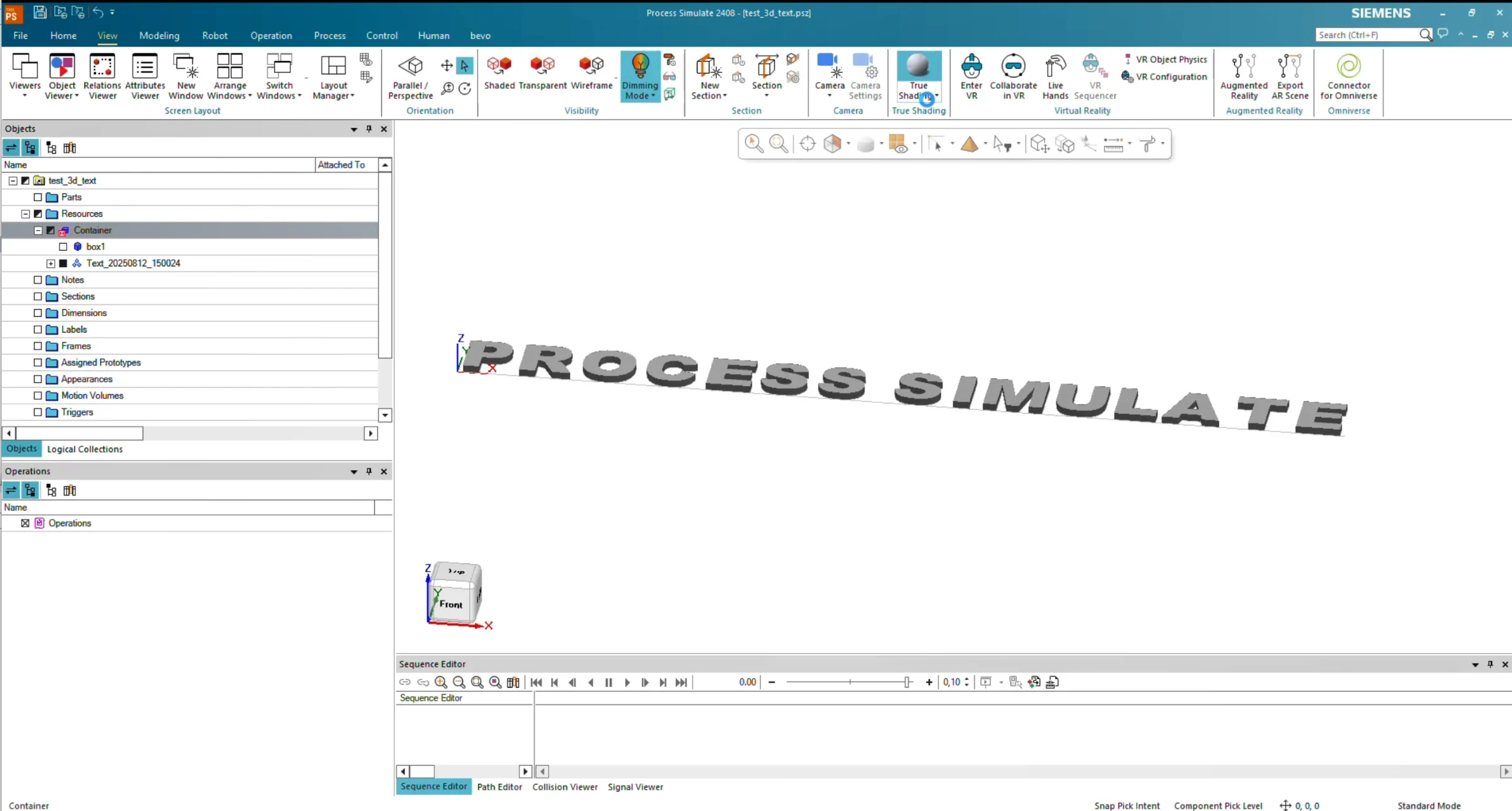
Create 3D text directly inside Siemens Process Simulate. Enter any text, define its size and 3D dimensions, and the tool automatically generates the corresponding geometry using the built-in modeling functionality.
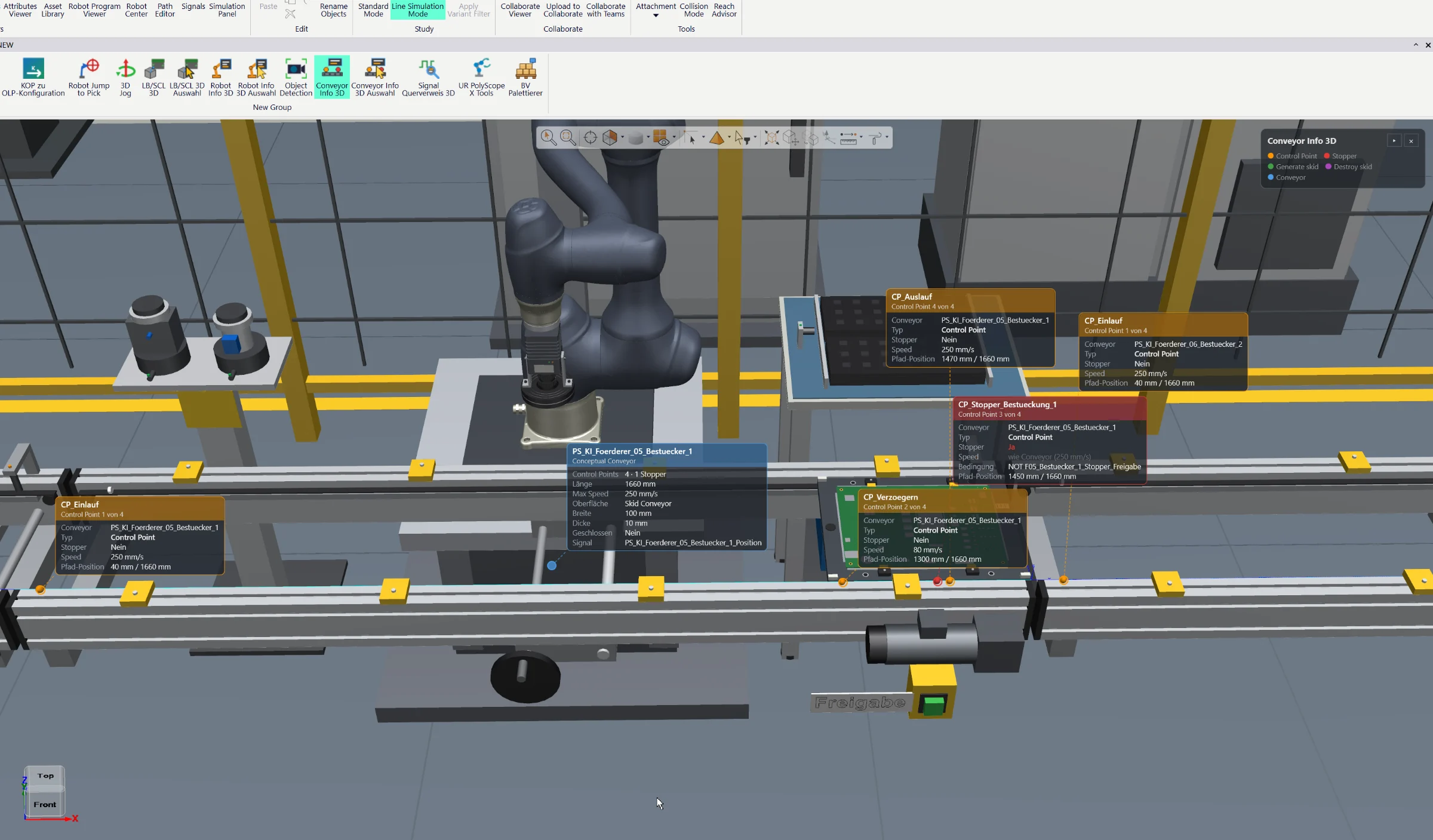
Visualize conveyor properties, control points, stop points and live status information directly in the Siemens Process Simulate 3D Viewer. Color-coded indicators provide instant insight into conveyor behavior, object positions and material flow.
Full AI integration directly inside Siemens Process Simulate for engineering automation, simulation assistance, offline programming and virtual commissioning workflows.