01 · AI & Automation
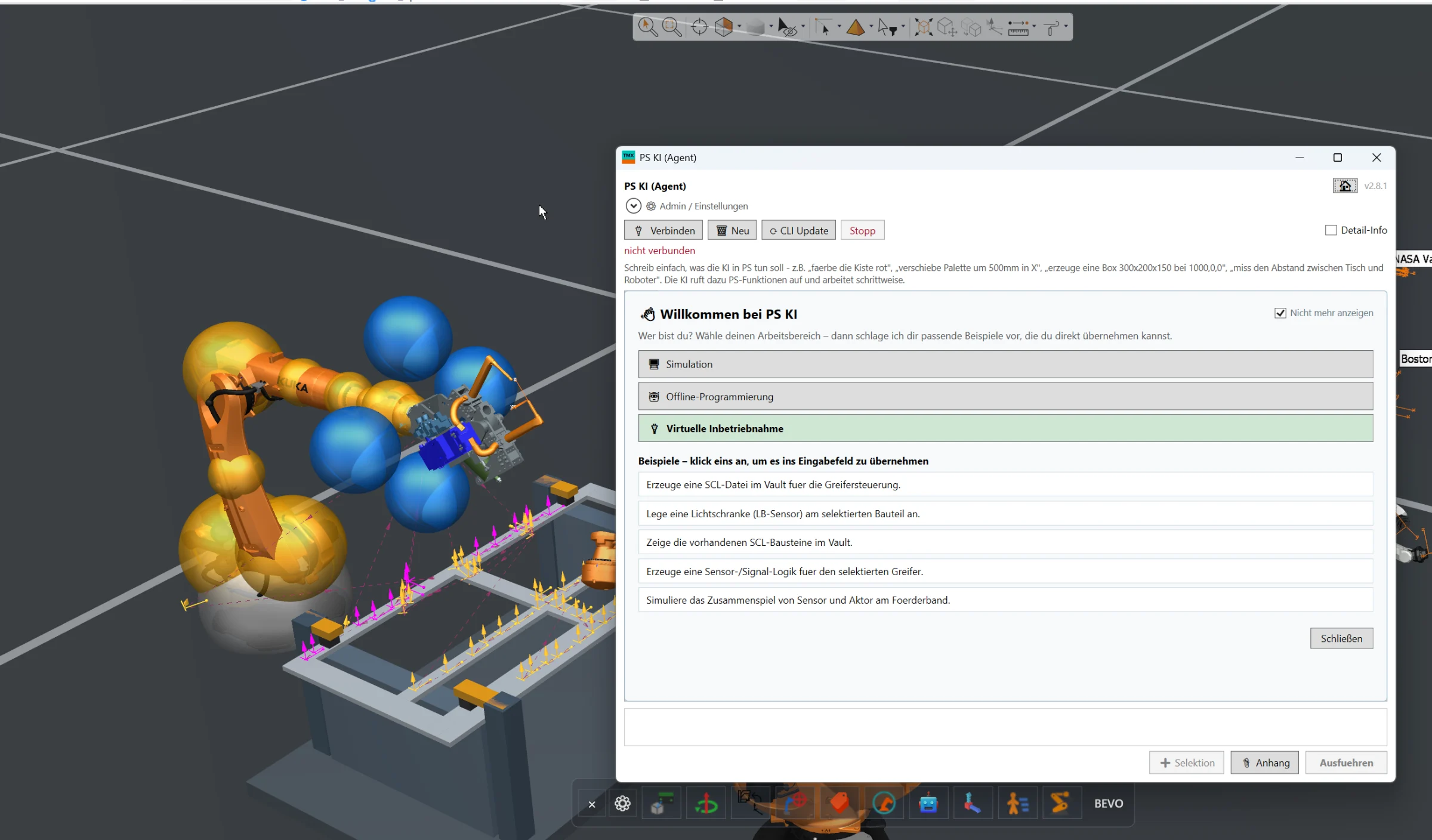
AI Assistant
Full AI integration directly inside Siemens Process Simulate for engineering automation, simulation assistance, offline programming and virtual commissioning workflows.
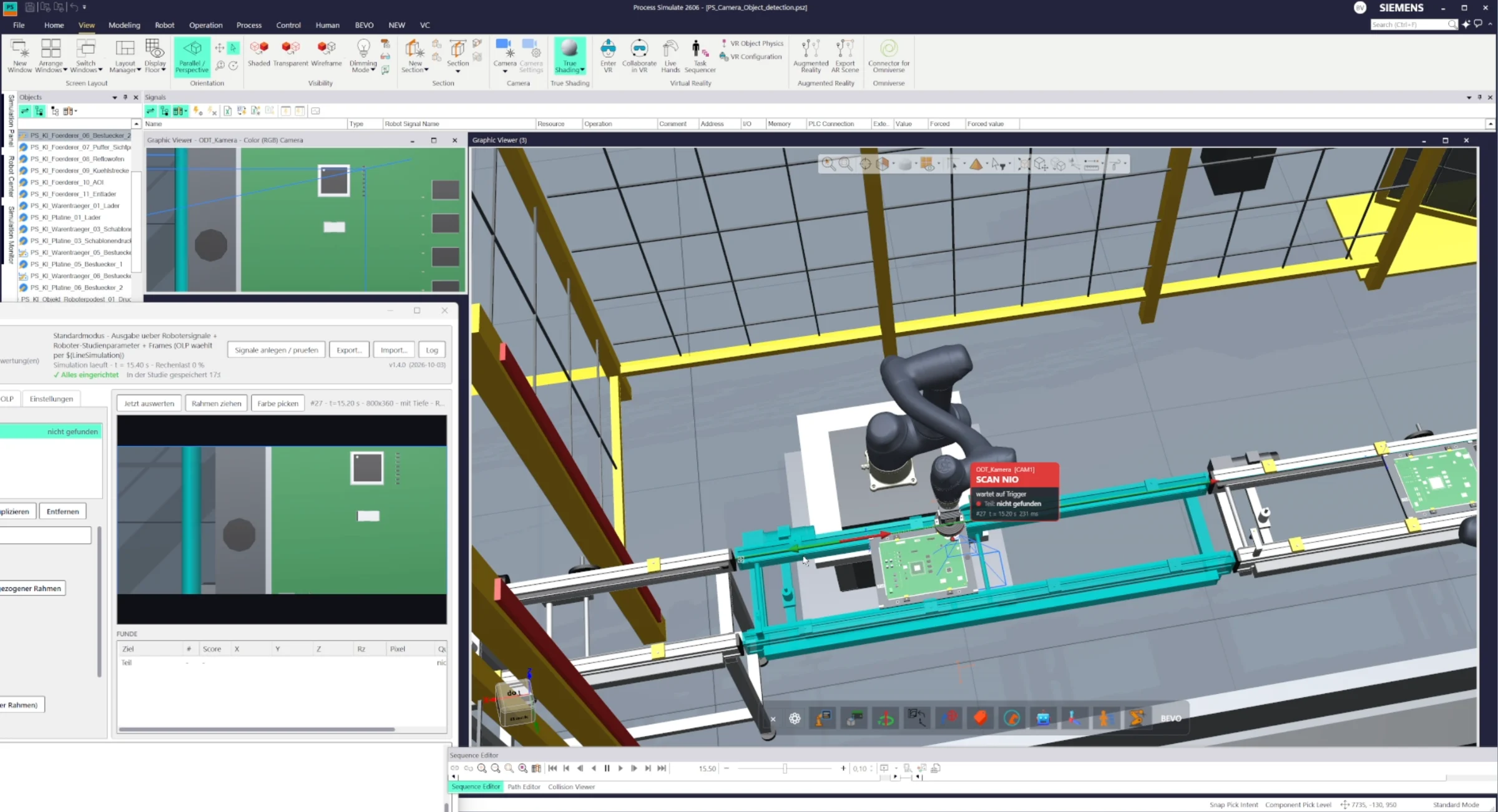
Configurable vision camera for Siemens Process Simulate that detects and evaluates objects directly in Standard Mode or Line Simulation. Configure image, color, contour or other detection criteria, trigger inspections and return the resulting signals directly to the simulation logic.
Detect Object Camera extends Siemens Process Simulate with a configurable vision inspection workflow that can be used directly inside the simulation environment.
The camera can be configured similarly to a real industrial vision system. Users define what the camera should detect or evaluate, such as reference images, colors, contours or other visual characteristics.
Once configured, the camera can be used both in Process Simulate Standard Mode and in Line Simulation Mode. The inspection can run automatically or be triggered by the simulation, robot or process logic.
When triggered, the camera captures the current simulated view, evaluates the configured detection criteria and returns the inspection result directly to the simulation.
This allows robot programs, PLC logic or other simulated equipment to react dynamically to the detected result. Depending on the inspection outcome, the process can continue with different actions, for example accepting a part, rejecting it, selecting another robot path or triggering additional process steps.
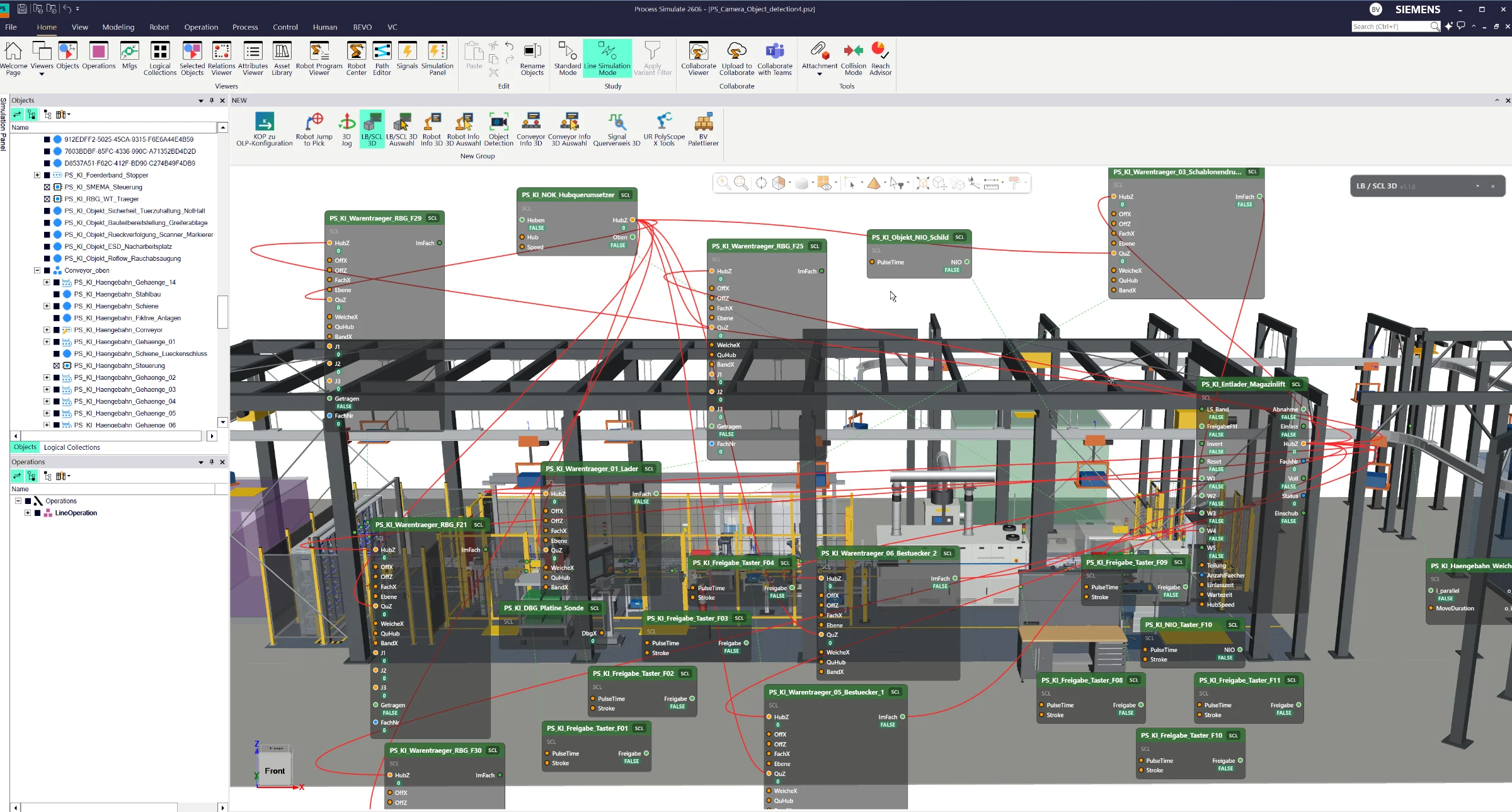
The camera results are also visualized directly inside Process Simulate. Preview views and 3D information panels provide immediate feedback about the inspection status and whether the detected object was evaluated as OK or NOK.
This makes it possible to simulate realistic camera-based inspection and decision workflows before the physical vision system is available.
Full AI integration directly inside Siemens Process Simulate for engineering automation, simulation assistance, offline programming and virtual commissioning workflows.
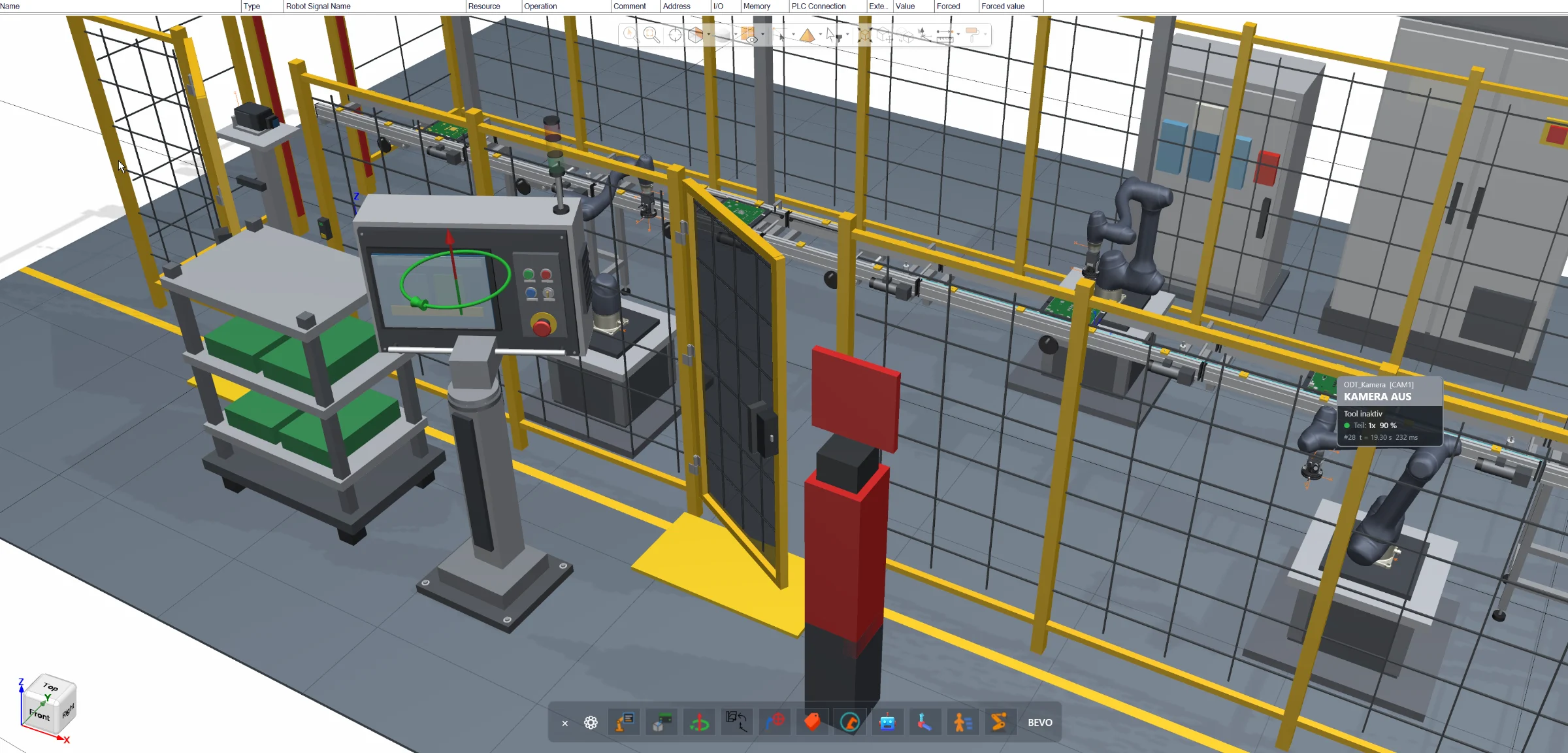
Direct joint manipulation inside the Siemens Process Simulate 3D environment for robots, resources and conveyors — without opening additional joint control windows.
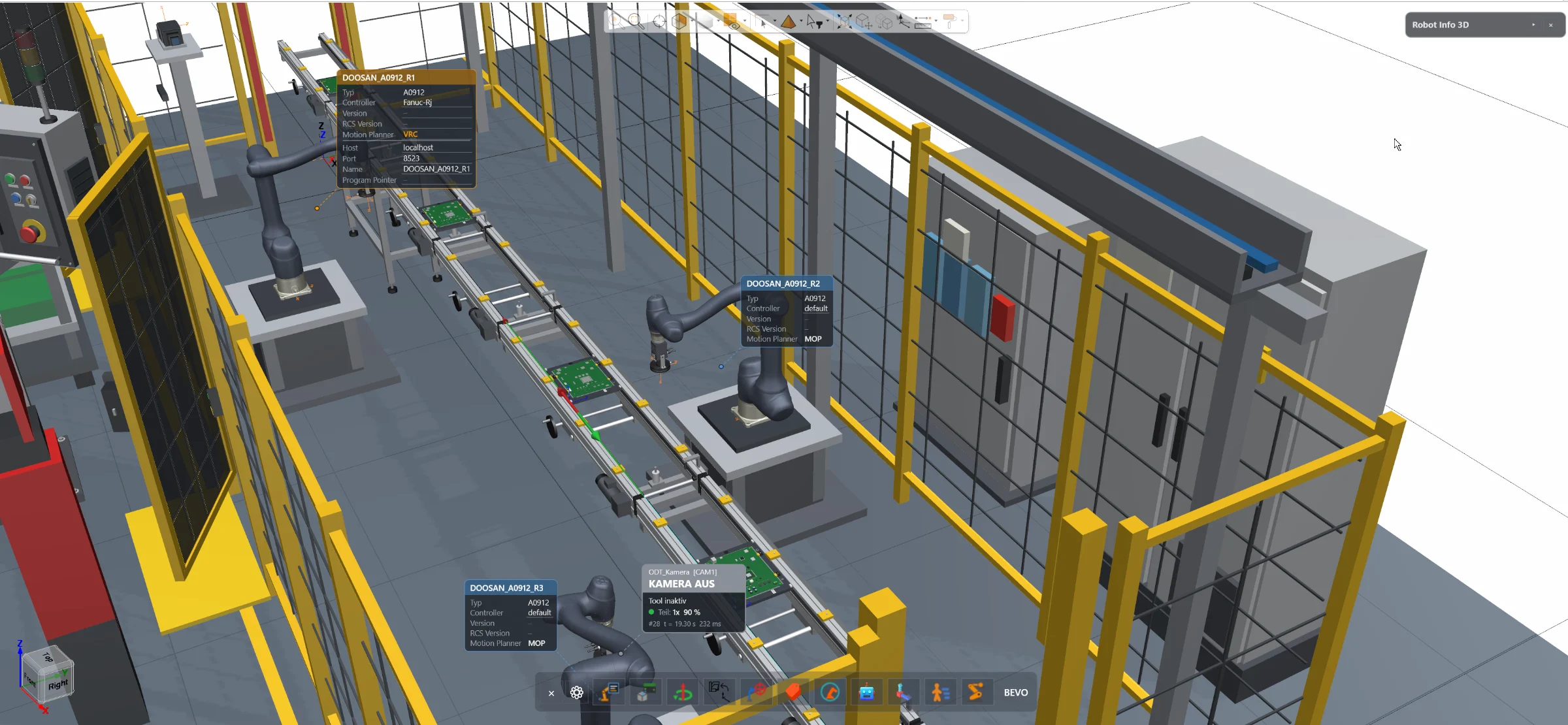
Access essential robot information and configuration directly inside the Siemens Process Simulate 3D environment — without opening the separate Robot Center window.