01 · AI & Automation
AI Assistant
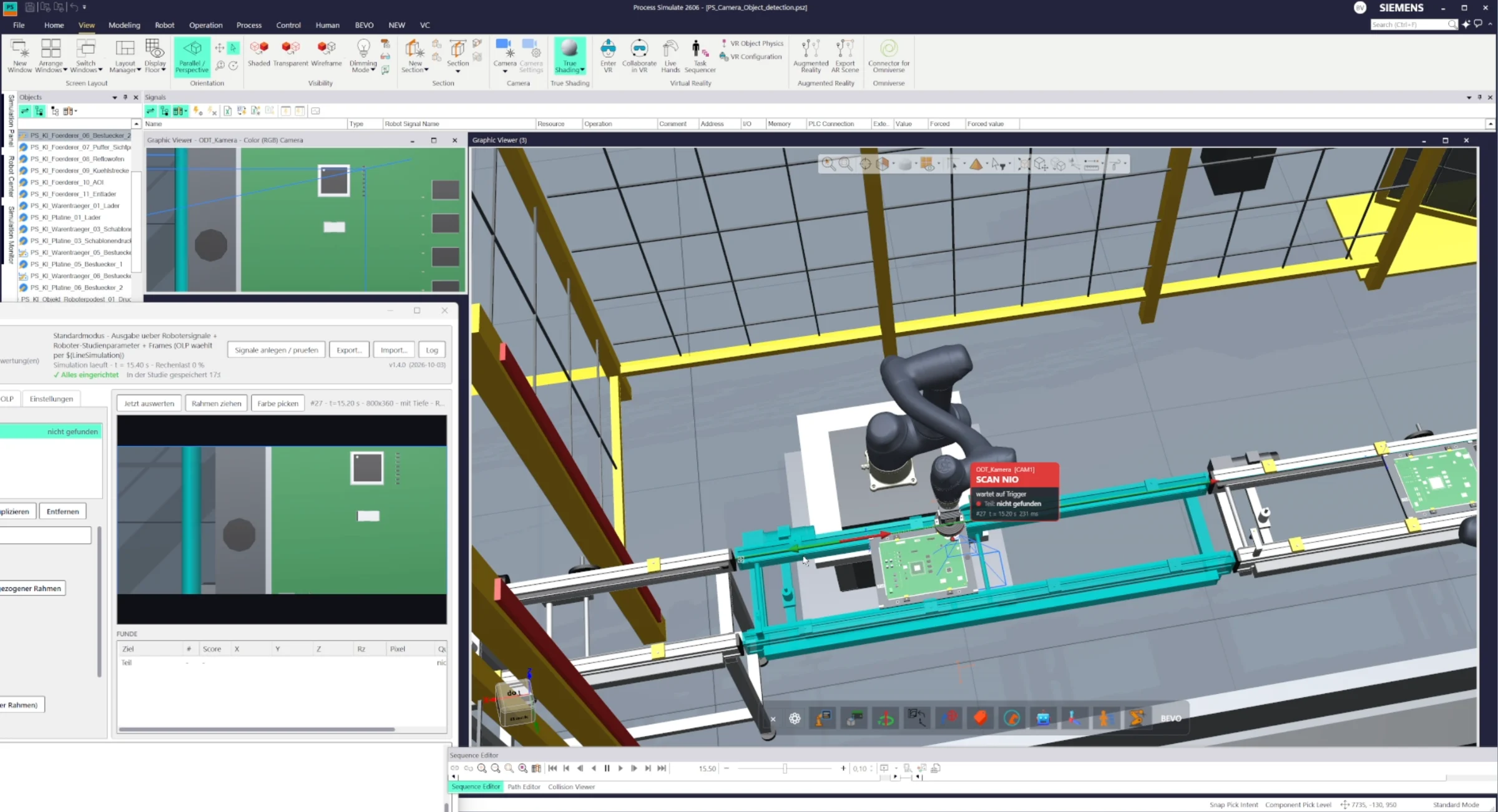
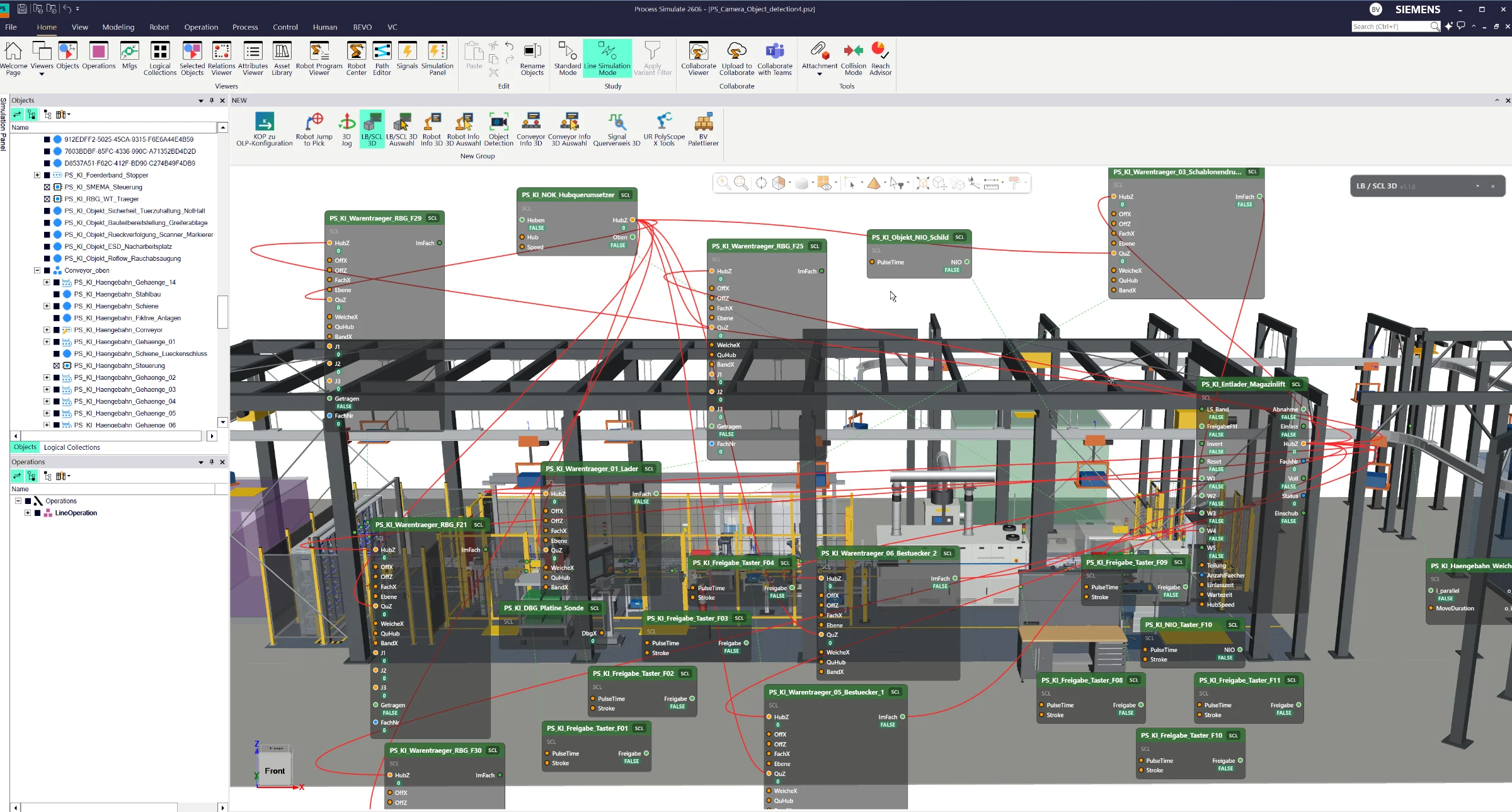
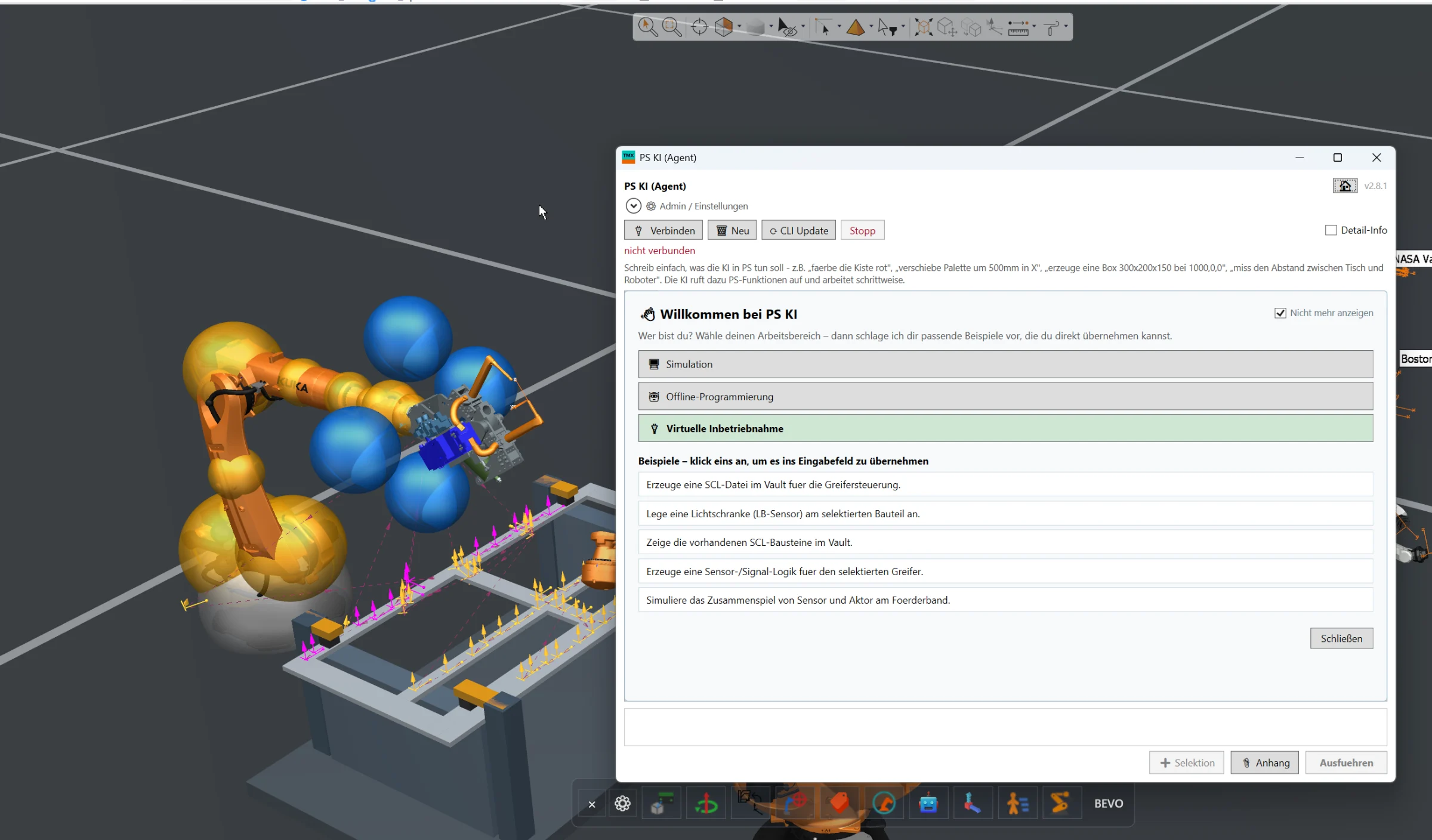
Full AI integration directly inside Siemens Process Simulate for engineering automation, simulation assistance, offline programming and virtual commissioning workflows.
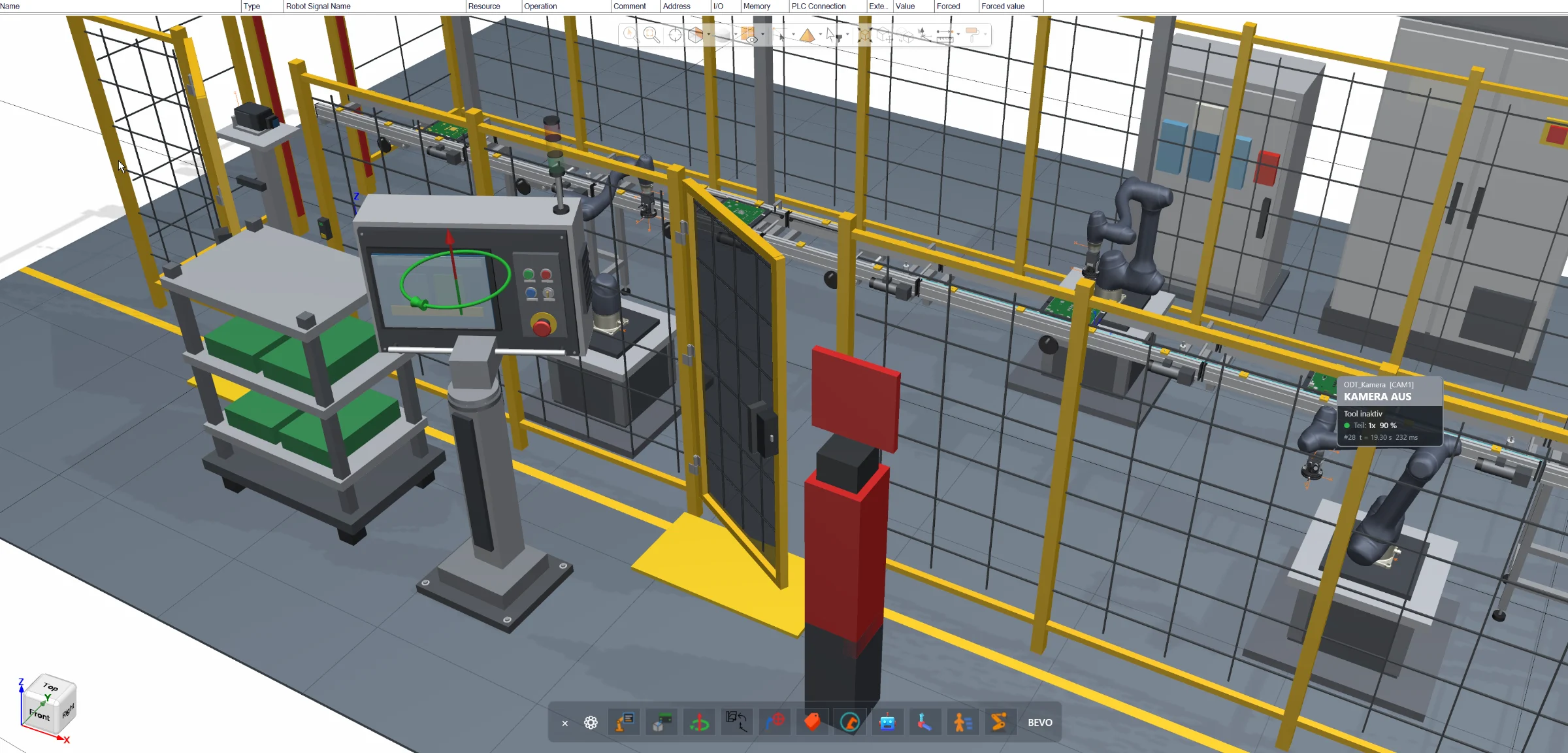
Direct joint manipulation inside the Siemens Process Simulate 3D environment for robots, resources and conveyors — without opening additional joint control windows.
The 3D Joint Jog add-on provides direct and intuitive joint manipulation inside the Siemens Process Simulate 3D environment.
Instead of opening additional dialogs or dedicated joint control windows, the engineer simply selects a robot, resource or conveyor directly inside the 3D scene.
The available joints are displayed directly in the working environment and can be manipulated while maintaining full visual context of the simulated equipment.
This allows engineers to quickly test kinematic movements, adjust component positions and inspect available axes without repeatedly switching between the 3D viewer and additional Process Simulate windows.
Typical supported objects can include:
- Industrial robots
- Kinematic resources
- Conveyors
- Positioners
- Other resources containing movable joints
The solution is especially useful during simulation setup, layout validation, resource testing and general engineering workflows where joint positions need to be adjusted frequently.
By keeping the interaction directly inside the 3D environment, the add-on reduces unnecessary window switching and creates a faster and more intuitive workflow when working with kinematic resources.
The exact visualization, available controls and supported resource types can be adapted to the customer's Process Simulate environment and engineering workflow.
Full AI integration directly inside Siemens Process Simulate for engineering automation, simulation assistance, offline programming and virtual commissioning workflows.
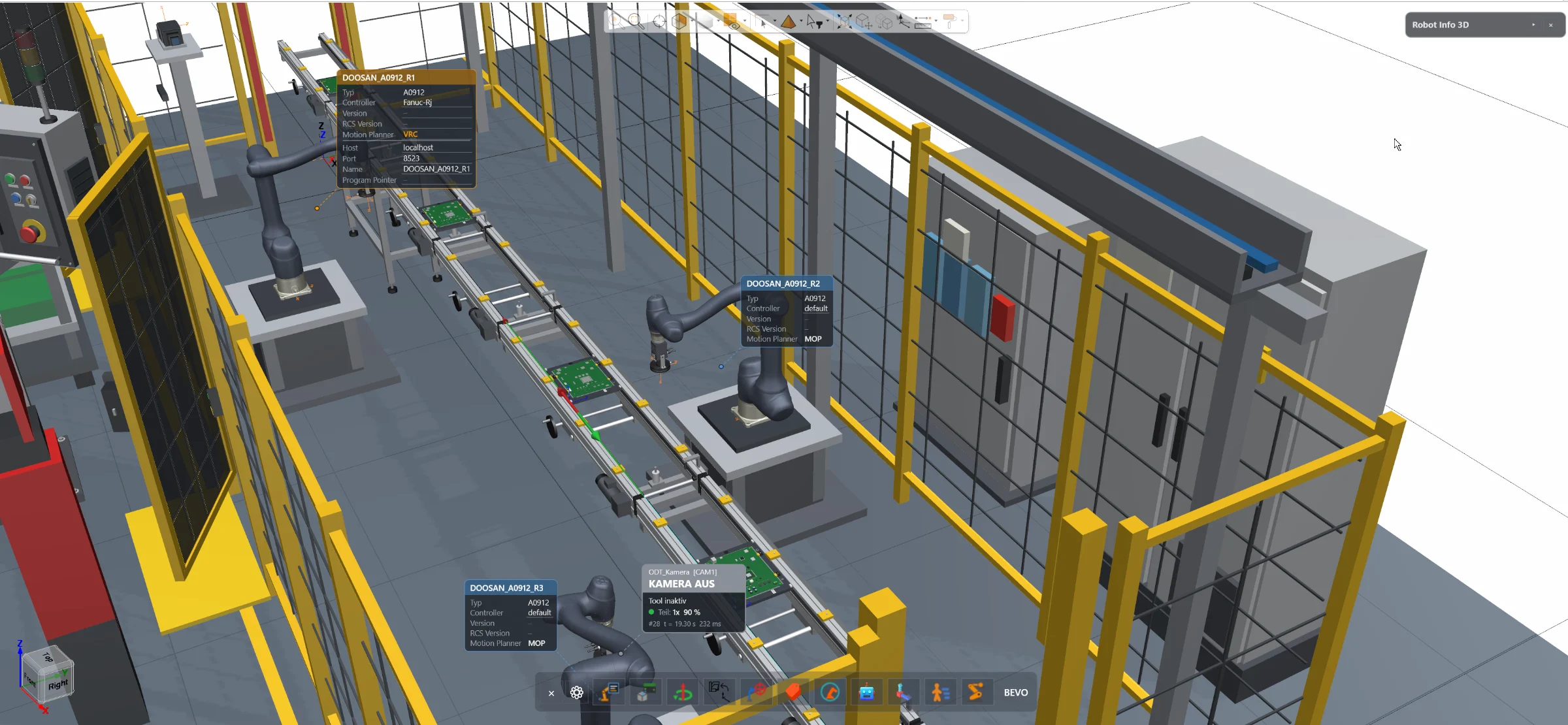
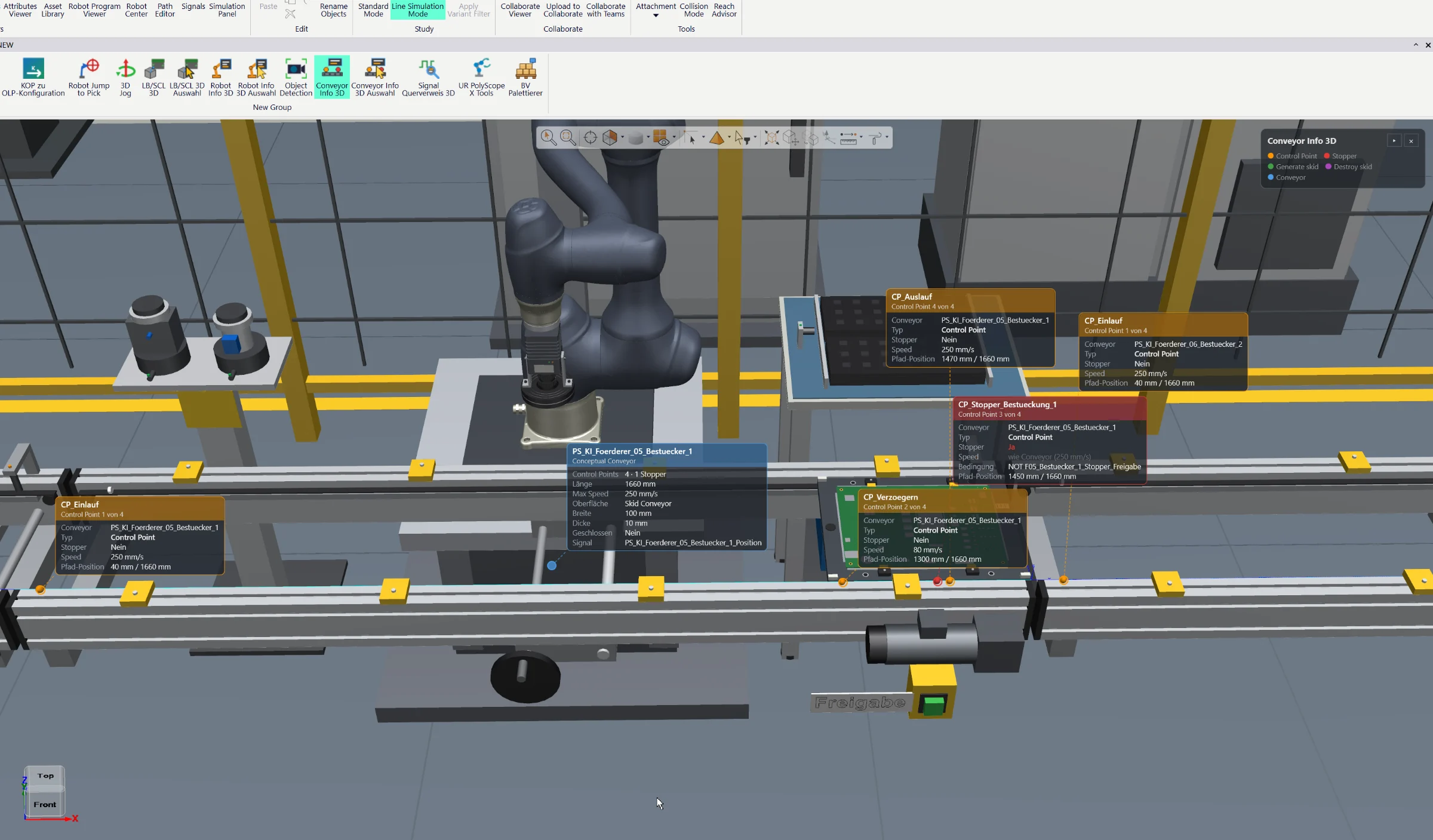
Access essential robot information and configuration directly inside the Siemens Process Simulate 3D environment — without opening the separate Robot Center window.
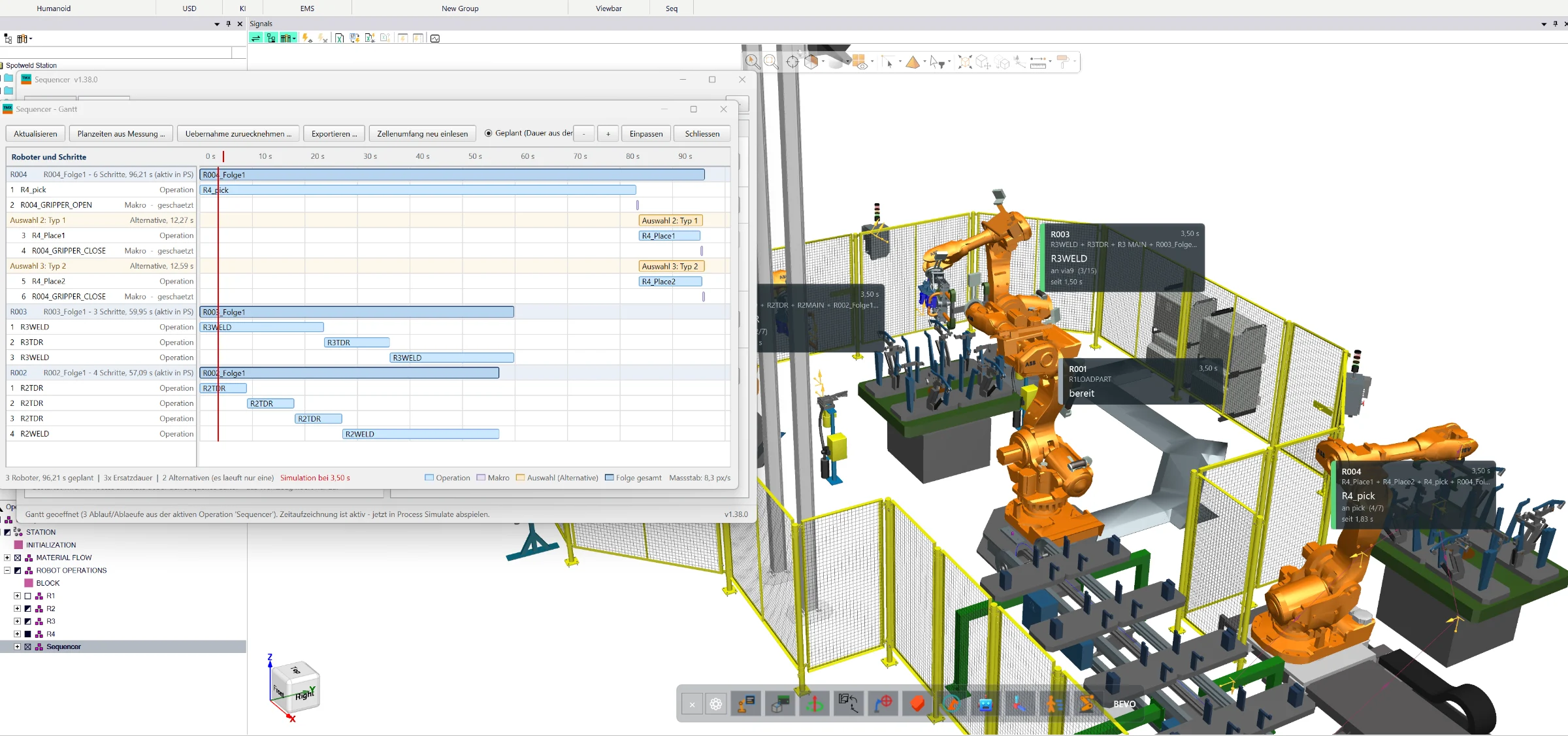
Create, simulate and optimize complete manufacturing sequences directly in Siemens Process Simulate Standard Mode — with wizard-based program generation, collision analysis, robot interlocks, 3D visualization and Gantt-based cycle-time optimization.